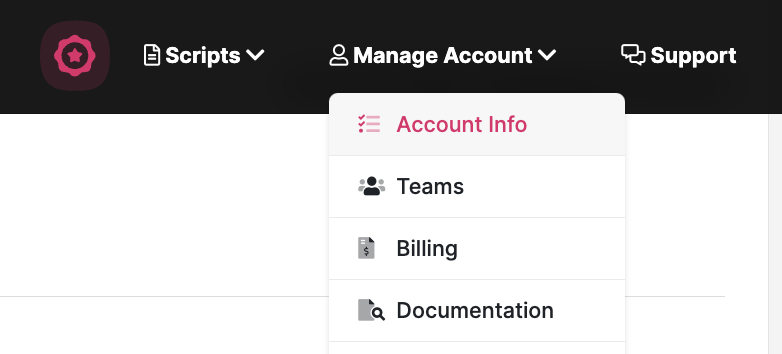
Open your profile menu in the sidebar and choose Account settings. Scroll to Delete account. The screenshots below show an earlier layout. g6v0cxssui2zjw0rnyhh.png35.9 KB
Note: If you have a paid account, you must cancel your subscription before you can delete your account.
Once on this page, scroll to the bottom and you'll see a link to permanently delete your account. When you delete your account, all content associated with your account is also permanently deleted.