

go with the Flow.
Scroll using your voice or manually. You're in control.
Sync your script across devices with Remote.
Write, organize and share scripts with your Team.
Record and share videos.
Reduce your production time, deliver better presentations, and record videos with Speakflow.
Used by nice folks at











Say goodbye to umms and ahhhs. Reduce your production time and costs.
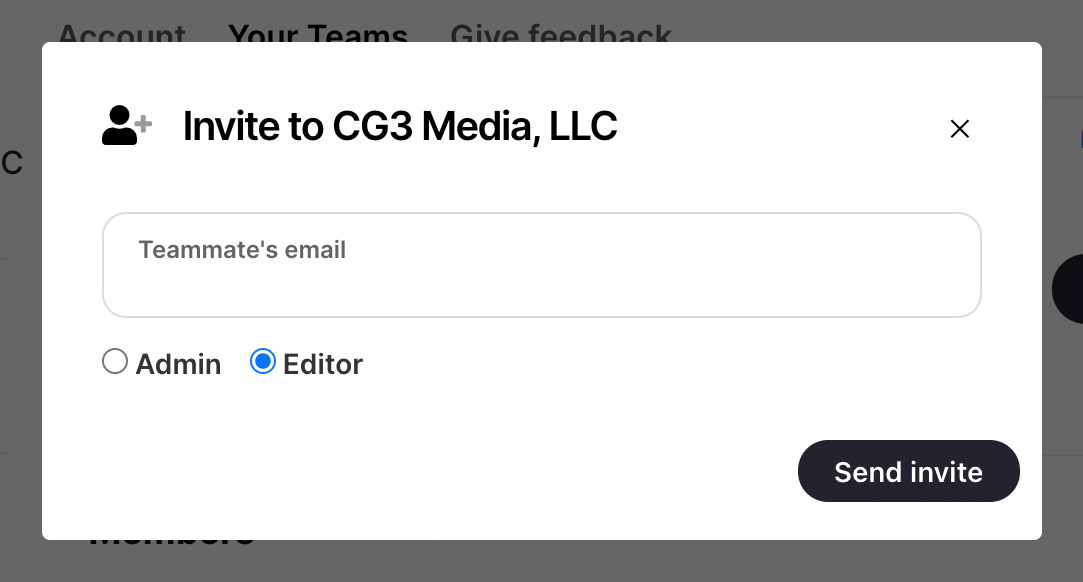
Built for collaboration. Invite your Team to write scripts, organize them with labels, and keep track of changes.
Scroll your tablet from your phone...or your phone from your computer. You're in control with Remote.


Speakflow is the teleprompter for teams that make scripted video on a regular schedule, like all-hands updates and monthly executive messages. The script scrolls as you speak, in any modern browser or in the Speakflow apps for Mac, Windows, iPhone, and iPad. One person writes the script and shares it. Presenters read it on their own devices and record in Speakflow, and every take is saved with its script so it's easy to find later.
Yes, Speakflow has a free plan: you can write and save scripts and read them on the teleprompter with auto, manual, or voice scrolling, and you don't need a credit card.
Yes, with the Speakflow Studio plan, up to 25 teammates share scripts in one workspace and each person records their own takes on the teleprompter from their computer. Writers can edit together, leave comments, and roll back to earlier versions. When a presenter records on a shared script, the video is saved in that workspace, so nobody has to email files around. You can download any take as an MP4. Larger teams that need SSO or custom terms can email team@speakflow.com.


