Create or Edit a script to enter the writing experience: docs-script-edit.png76.35 KB
Click "Edit" to edit a script
Automatic Language Selection We'll detect the language of your text and change the setting for you automatically. Manually selecting a different language will turn off automatic language selection.
Selecting the language
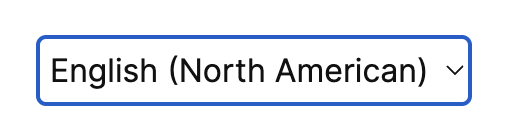
Once you enter the new or edit screen, you'll see this dropdown near the bottom of the screen, under your script: docs-language-dropdown.png12.57 KB
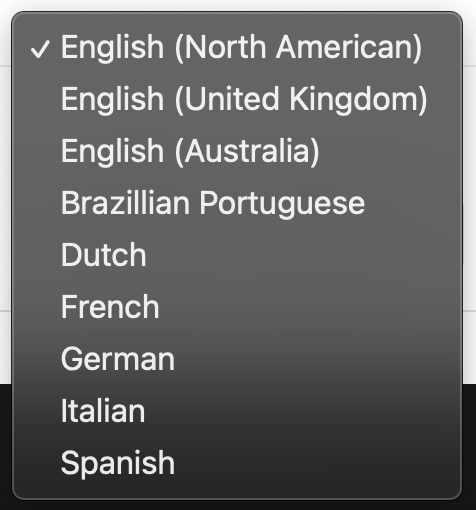
The default language is North American English. To change this, click the box to reveal the other language options: docs-language-selection.png66.99 KB
Speakflow does not currently support changing between multiple languages during a presentation.
Ready to try Speakflow?
Write a script, hit record, and read naturally. Free to start.