Downloading and Installing

In this help doc

How to download and install the Speakflow Desktop App

desktop-app-announcement.png 698.76 KB
Go to speakflow.com/download. The page detects your operating system and shows the right download button.

After downloading:


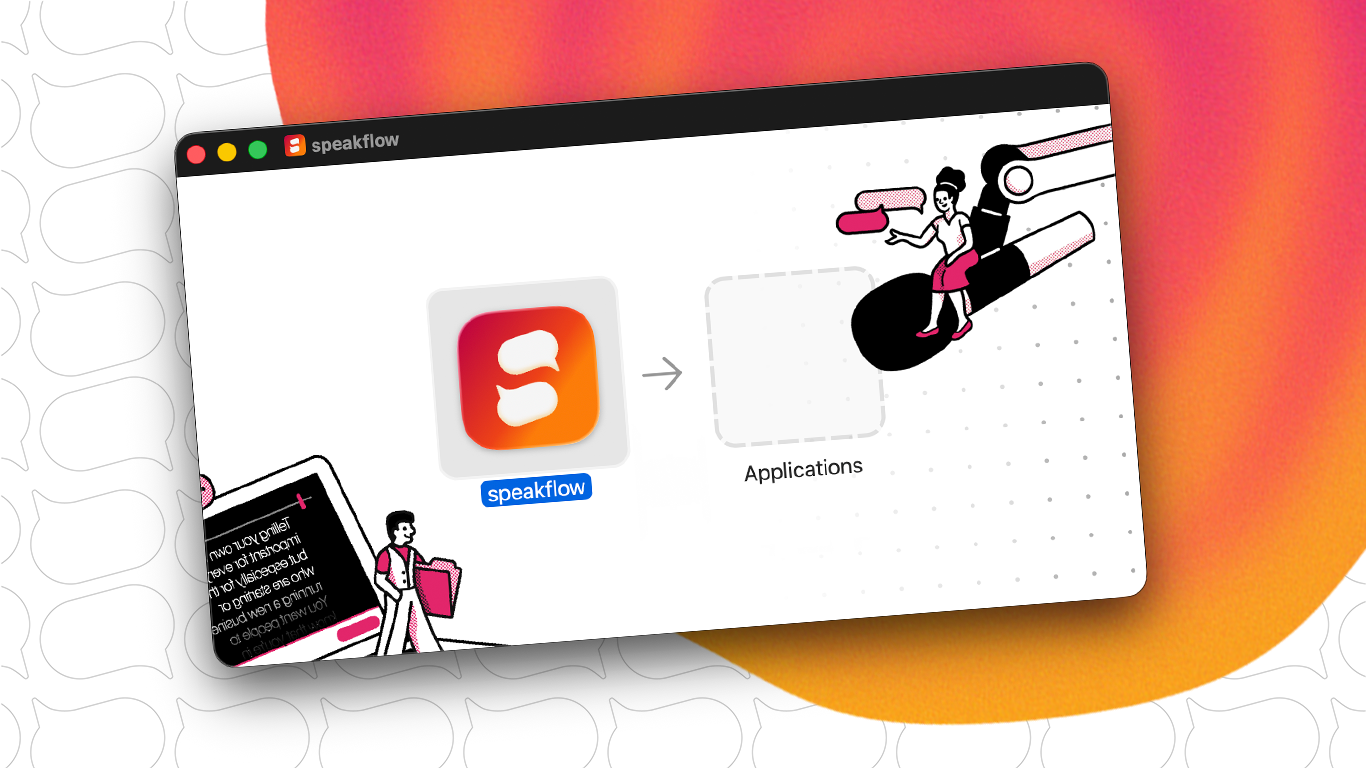
macOS — Open the .dmg and drag Speakflow into your Applications folder.

Windows — Run the installer and follow the prompts.

Ready to try Speakflow?

Write a script, hit record, and read naturally. Free to start.

Create a Speakflow account