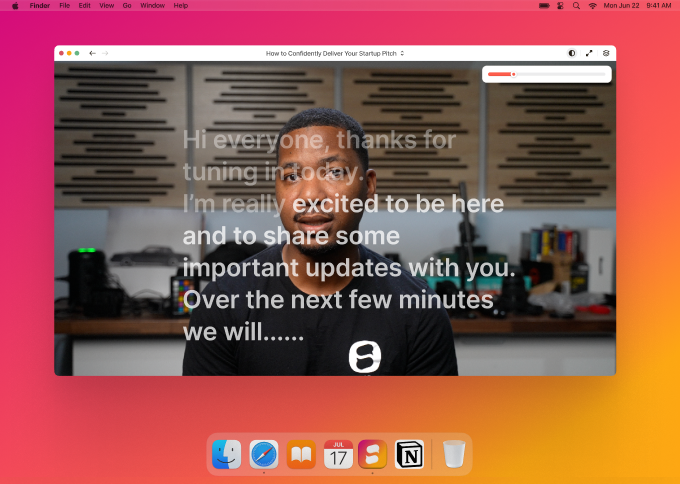
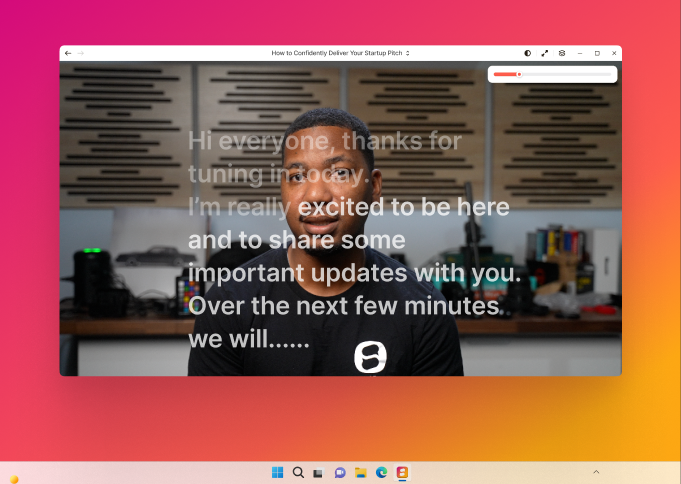
Keep your notes in view on client calls, webinars, slide decks, and screen shares.
Included with Plus and Studio plans
Use Speakflow over Zoom, slides, demos, or the app you’re sharing. Your script stays with you, even when the audience only sees the shared window.
Fade your prompt until it stops competing with the call or deck.
Keep notes beside your slides or shared window.
Pin talking points above the windows you’re already using.
The audience sees the call or deck you share. You keep the notes out of the share.

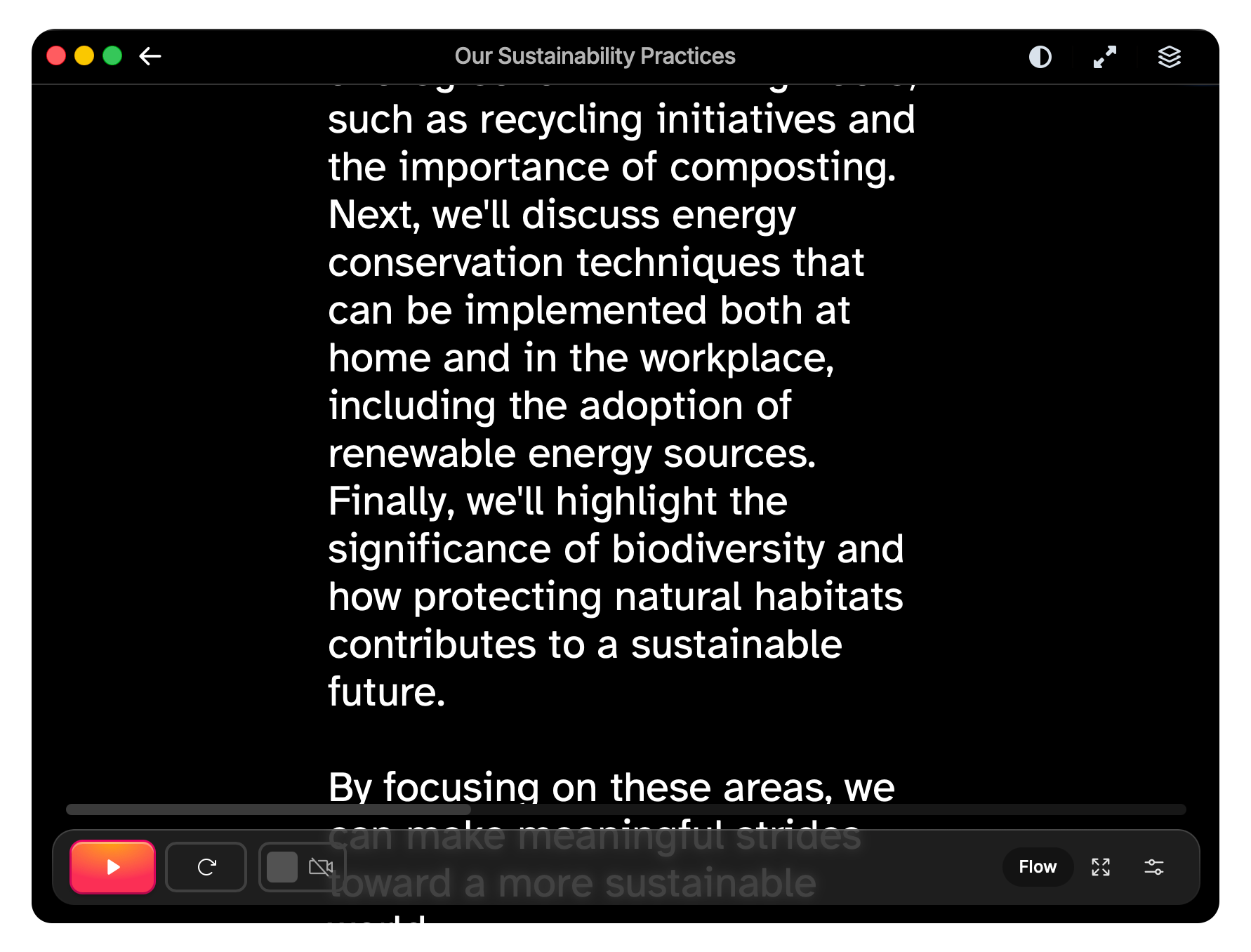
Keep Speakflow above the call or browser window you’re sharing. The prompt stays with you instead of buried in another tab.

We’re still early, and we’re shaping this into the app we’d want open before every big call. Your feedback during beta helps us get there faster.