
Changing Your Password
In this help doc
How to change your password.
Changing Your Password
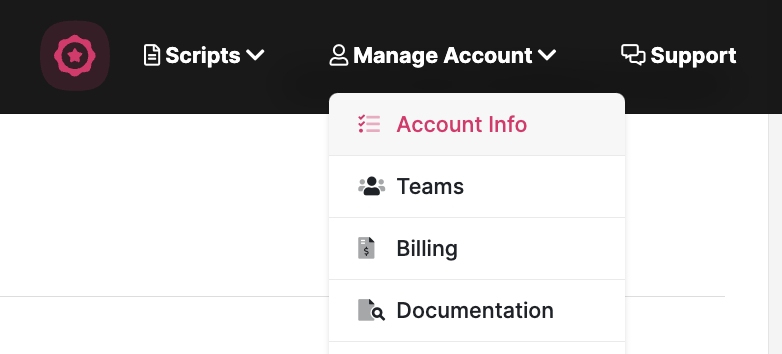
Open your profile menu in the sidebar and choose Account settings. The screenshot below shows an earlier menu layout.
Enter a new password of at least eight characters in the New password field, then click Update Account. The current form has one password field.
Note: If you created your account with Google Sign in, please reach out to team@speakflow.com directly.