We all know that feeling - the rapid heartbeat, sweaty palms, and racing thoughts that come with public speaking. Whether you're addressing a boardroom of executives or presenting at a conference, stage fright can feel like an insurmountable obstacle. But what if we told you there's a technological solution revolutionizing how speakers approach their presentations?
The Hidden Impact of Speaking Anxiety
Public speaking anxiety affects nearly 75% of professionals, making it one of the most common workplace fears. This anxiety isn't just psychological - it manifests in physical symptoms that can derail even the most prepared presenter:
- Cognitive freezes and memory blanks
- Voice tremors and uneven pacing
- Reduced eye contact with the audience
- Loss of natural speaking rhythm
- Decreased confidence and authority
Transforming Fear into Power: The Teleprompter Advantage
Modern teleprompter technology has emerged as a game-changing tool for public speakers. Unlike traditional note cards or memorization techniques, teleprompters offer a sophisticated solution that maintains the natural flow of communication while providing a safety net for speakers.
Building Confidence Through Technology
When we integrate teleprompter technology into our speaking preparation, we unlock several key benefits:
1. Enhanced Eye Contact
1. Enhanced Eye Contact
- Maintain a natural audience connection
- Project confidence and authority
- Create meaningful engagement
2. Improved Speech Flow
- Eliminate awkward pauses
- Maintain consistent pacing
- Deliver smoother transitions
3. Reduced Cognitive Load
- Focus on delivery rather than recall
- Express emotions more naturally
- Respond to audience feedback
Mastering the Art of Teleprompter Delivery
The Learning Curve
Becoming proficient with a teleprompter requires practice and understanding. We recommend following these steps:
1. Start with Short Segments
- Begin with 2-3 minute practice sessions
- Focus on natural reading rhythm
- Record yourself for feedback
2. Customize Your Setup
- Adjust text size and scrolling speed
- Position the prompter at eye level
- Test different width settings
3. Develop Natural Delivery
- Practice varying your tone
- Include natural pauses
- Incorporate gestures and movement
Advanced Techniques for Professional Results
Script Optimization
The key to effective teleprompter use lies in proper script preparation:
- Write in a conversational tone
- Use shorter sentences and paragraphs
- Include visual cues for emphasis
- Mark places for natural pauses
Audience Engagement Strategies
While using a teleprompter, maintain audience connection through:
- Strategic eye movement patterns
- Vocal variety and emphasis
- Body language and gestures
- Interactive moments
The Future of Public Speaking
As technology continues to evolve, we're seeing innovations in teleprompter technology:
- AI-powered speech pacing
- Real-time audience feedback integration
- Virtual reality practice environments
- Multi-language support systems
Conclusion: Embracing Technology for Speaking Success
Getting more comfortable with public speaking takes practice, and a teleprompter can give you one less thing to worry about while you’re doing it. Instead of trying to memorize every line, you can keep your notes nearby and spend more attention on your pacing, delivery, and the people you’re speaking to.
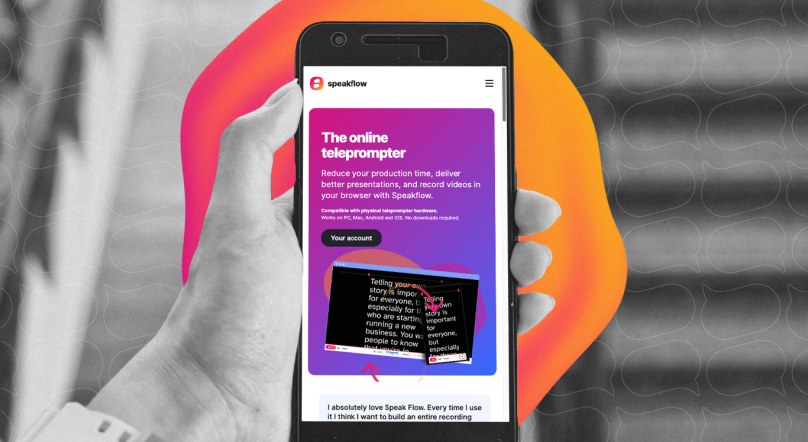
Speakflow’s browser teleprompter works on a computer, tablet, or phone, so you can use it to rehearse a speech or keep your script in view during a presentation.
If you’re presenting from your computer, you can also download the Speakflow Desktop App to keep your script over the apps you’re already using.
Written by: Jedidah Mburu
Photo by: Alberto Bigoni