The first few months of 2026 have been packed. From a completely redesigned team experience to a cleaner presentation view, here's everything we've shipped to make your teleprompter workflow faster, smoother, and more collaborative.
Team Management, Rebuilt from the Ground Up
team-management.png98.22 KB
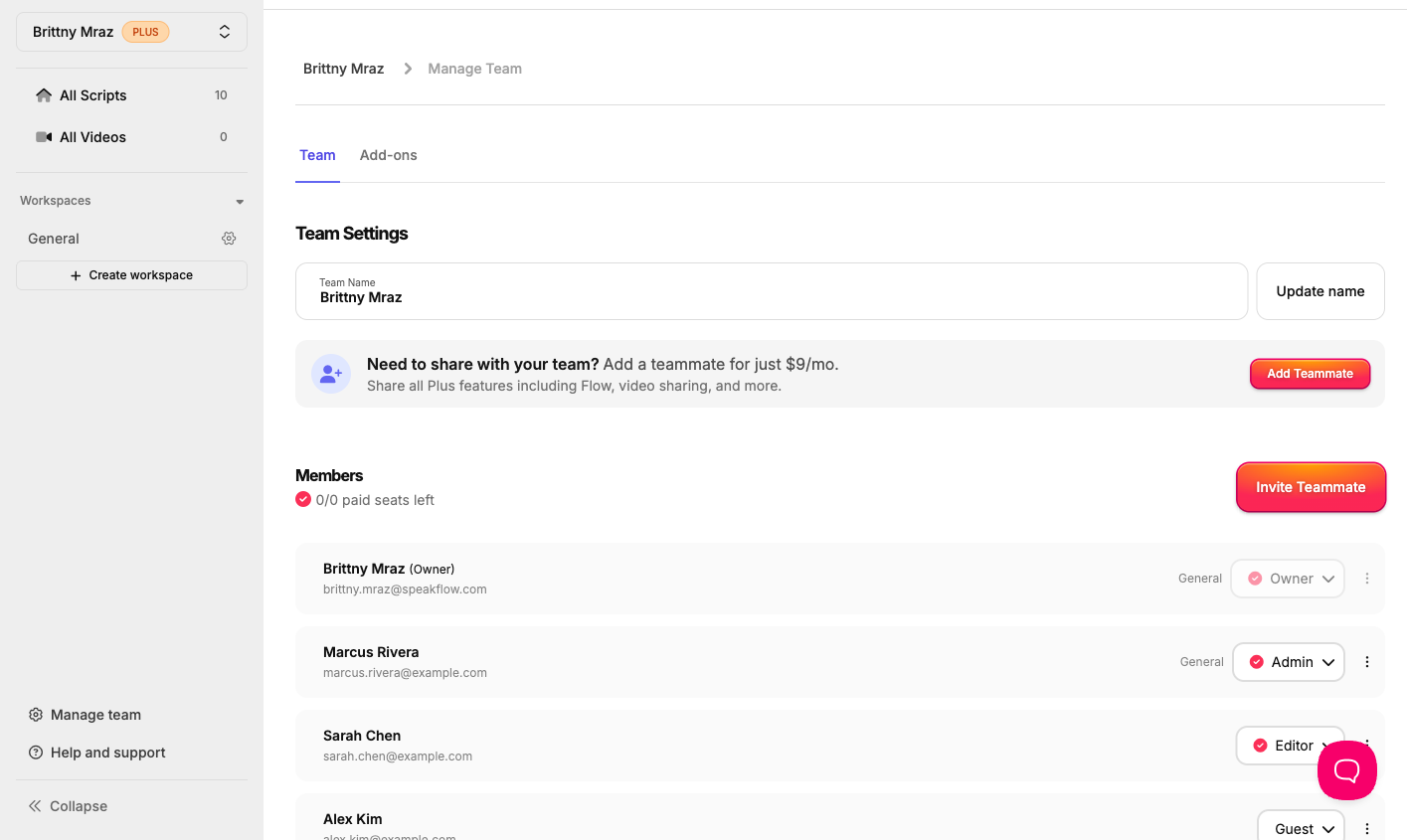
Managing your team just got a whole lot easier. We've overhauled team settings with a cleaner interface, bulk invites so you can onboard your entire crew at once, and a new Guest role for collaborators who need access without full membership. Whether you're running a newsroom, a production studio, or a content team, managing who sees what is now intuitive and fast.
Bookmarks Bar
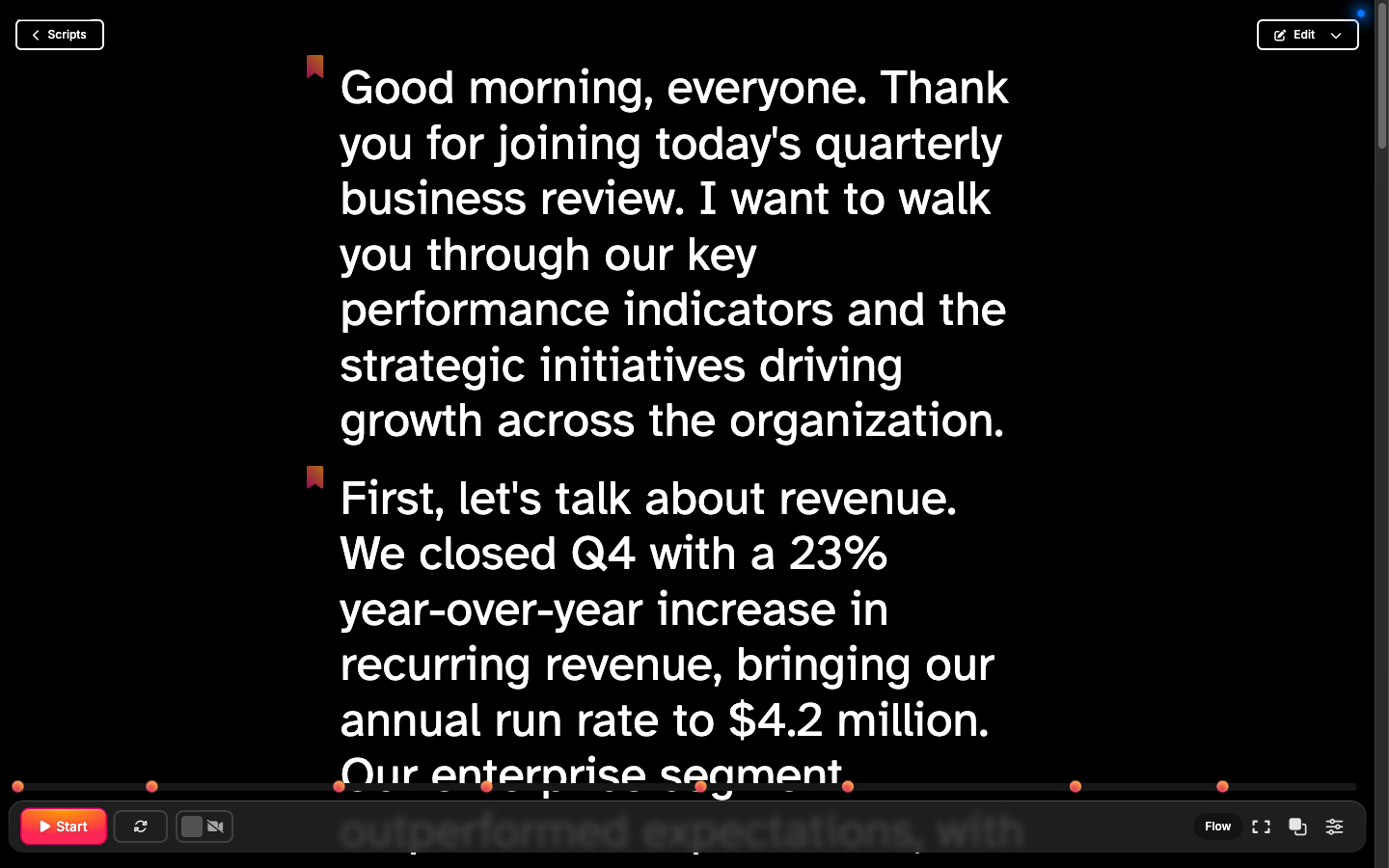
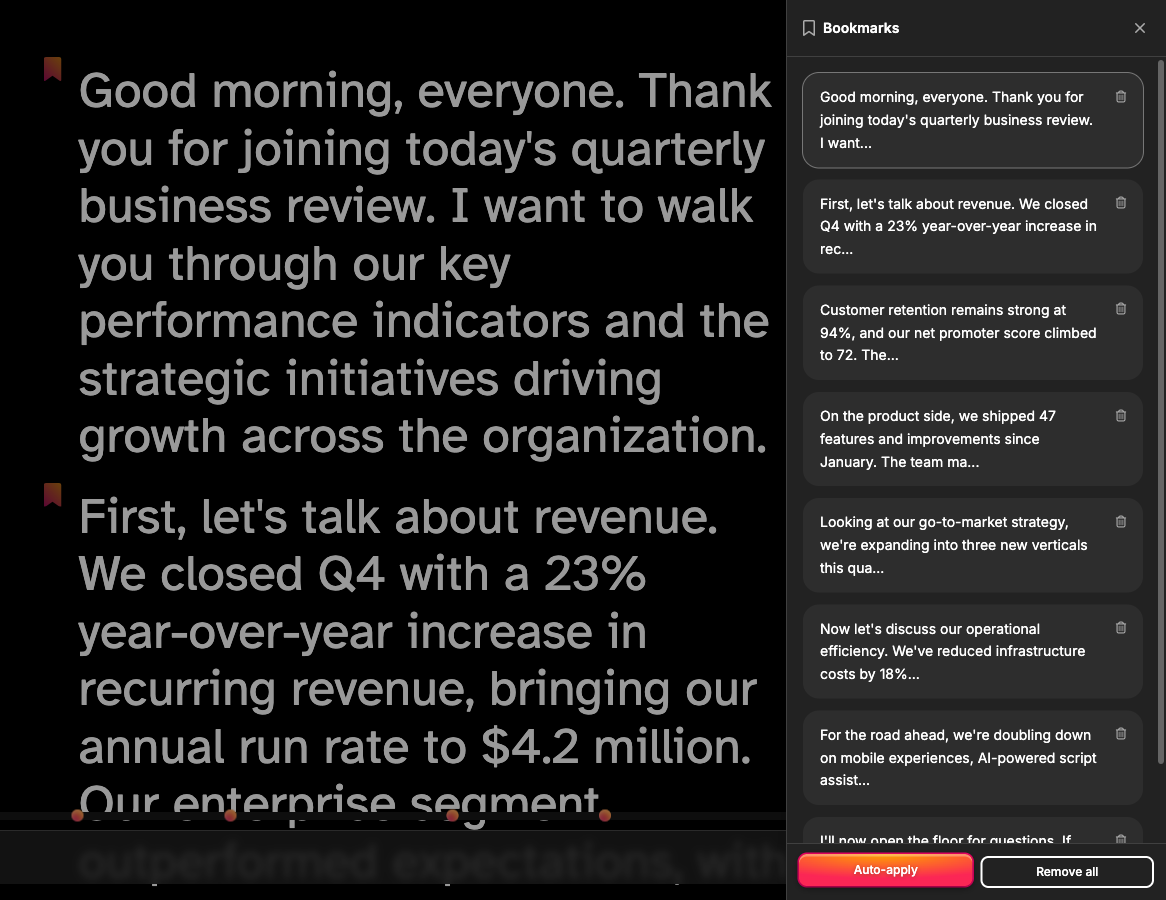
Long scripts deserve better navigation. The new Bookmarks Bar lets you drop pins at key sections of your script and jump between them instantly.
bookmarks-bar.png149.79 KB A slide-out drawer auto-follows your active bookmark as you scroll, and bookmark markers appear right on the progress bar so you always know where you are in the flow.
bookmarks-drawer.png216.02 KB
Redesigned Teleprompter Settings
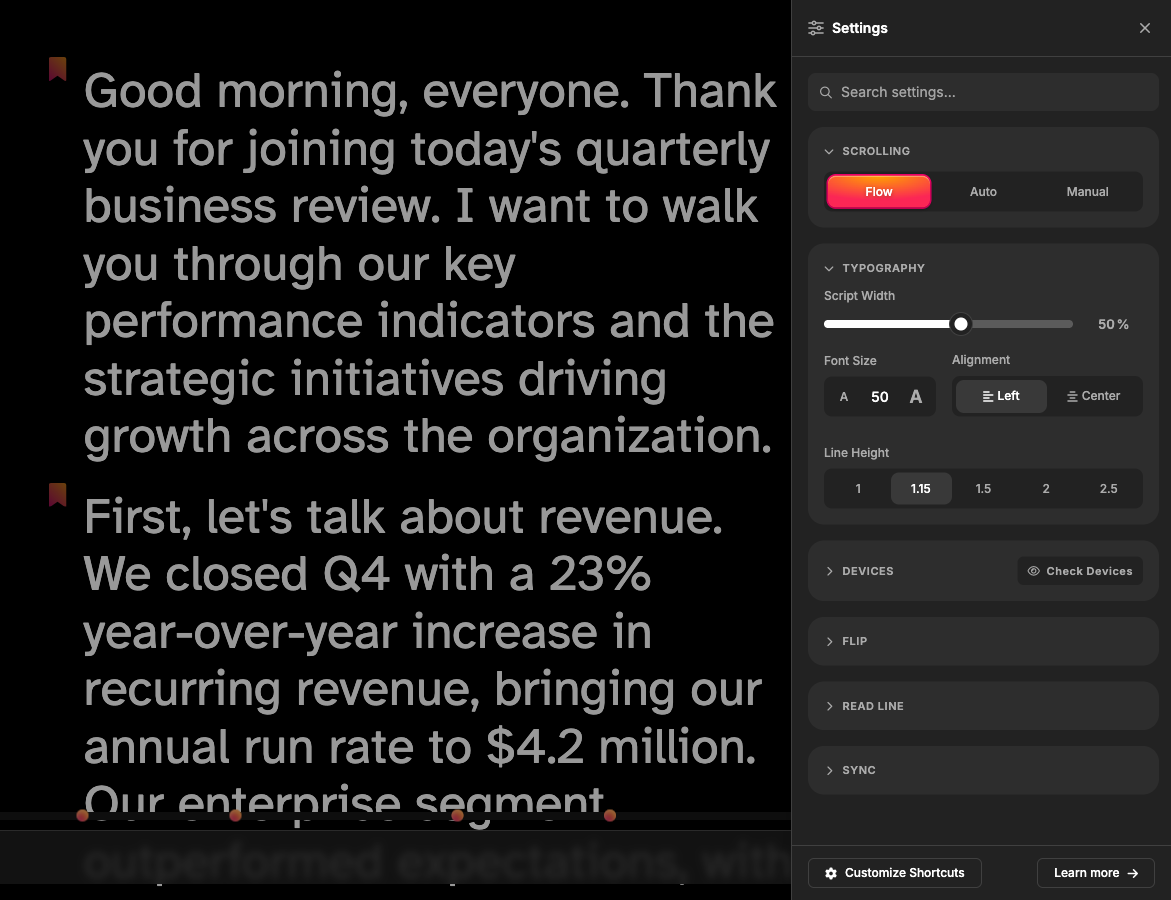
We replaced the old settings UI with a new Settings Drawer — a cleaner, more organized panel that puts every control at your fingertips without cluttering the teleprompter view.
settings-drawer.png173.45 KB
Improvements
Script width now persists — Set your preferred script width once and it stays put, saved in pixels so resizing your browser window won't reset it.
All scripts visible in folders — Previously, folders with many scripts would paginate. Now every script in a folder is visible at a glance — no more clicking through pages.
Now Playing shows your script title — The Now Playing widget on both mobile and desktop now displays the name of the script you're reading instead of generic placeholder text.
Touch long-press support — On mobile, long-press a script to select it and open a context menu, complete with haptic feedback. Managing scripts on the go is finally natural.
Performance improvements — Faster page loads across the board thanks to client-side word counts, smarter caching, and background job optimizations. The app should feel snappier, especially on larger workspaces.
Bug Fixes
Fixed scroll speed keyboard shortcuts not responding for free accounts
Fixed the settings drawer leaving the page scroll locked after closing
Fixed camera and microphone device switching not applying correctly
Fixed a stale device ID causing permission errors on mobile
Fixed audio sample rate mismatch issues during recording
Fixed scroll progress bar tracking on the teleprompter
That's the roundup for January through early March. As always, if you have feedback or feature requests, we'd love to hear from you.
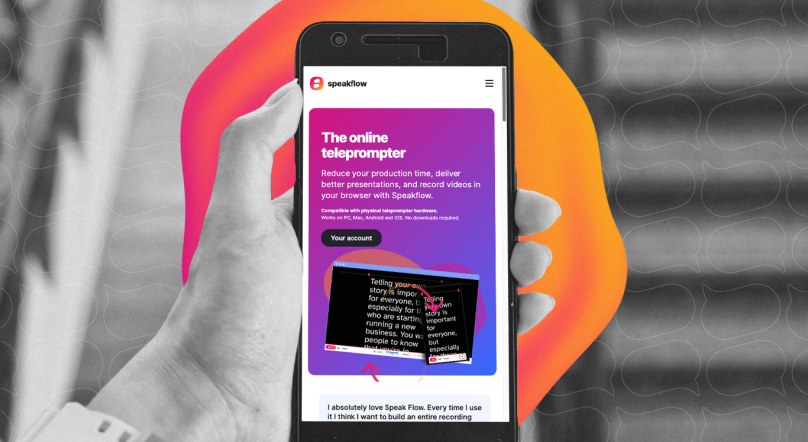
Open Speakflow in your browser on your computer or phone to create your script and use the teleprompter while you record.
You can also pair your setup with Speakflow’s Desktop App, which keeps your script on your computer and lets you position it over the apps you’re presenting or recording in.