iPad Teleprompter vs Dedicated Hardware: Which is Right for You?
iPad rigs cost less upfront if you already own a tablet. Dedicated prompters like the Elgato are simpler to set up. Here's how to choose.
speakflow-teleprompter.png1.97 MB You've decided you need a teleprompter. Great call. But now you're staring at two very different paths: buy a beam-splitter rig and use your iPad as the display, or invest in a dedicated teleprompter with a built-in screen.
Both work. Both have tradeoffs. Let's break it down so you can pick the right one without second-guessing yourself.
What We Mean by "iPad Teleprompter" vs "Dedicated Hardware"
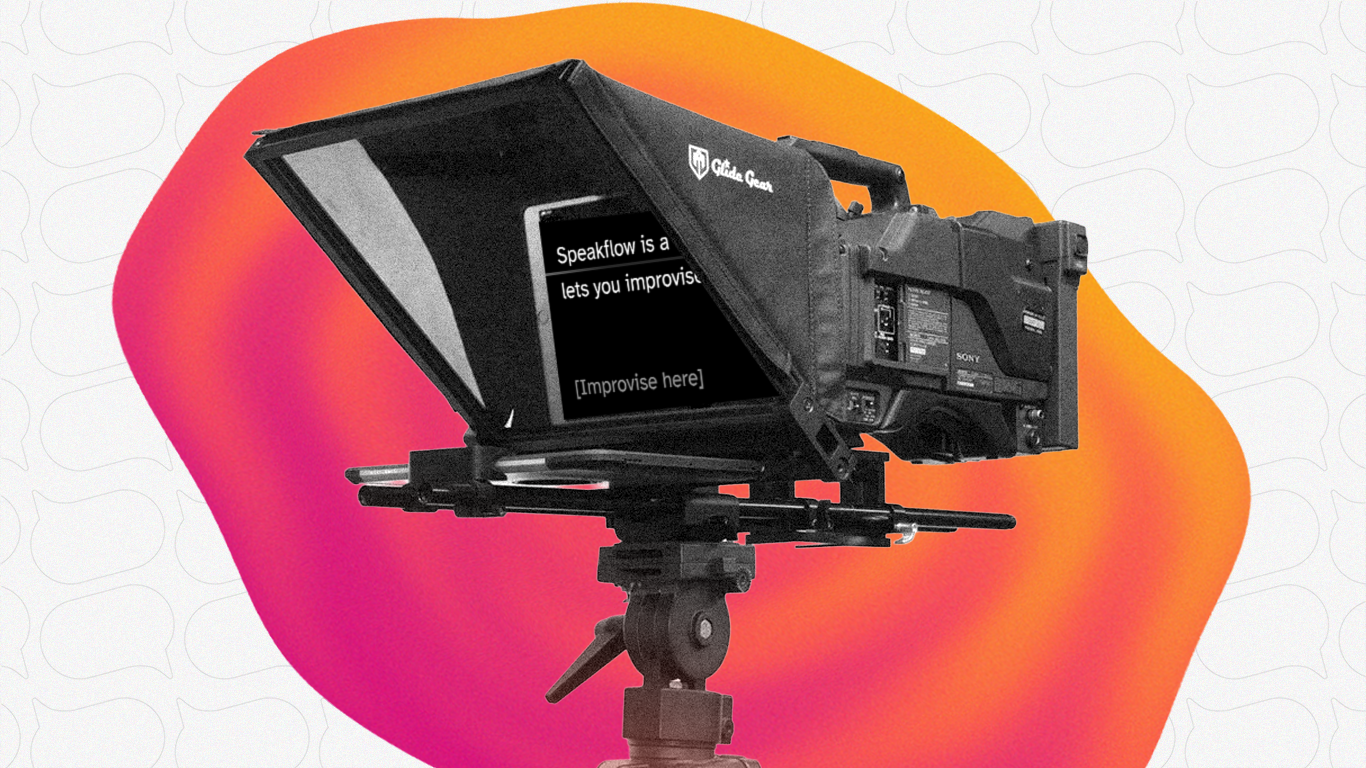
Quick definitions so we're on the same page: speakflow-glide-gear-tmp-100.png1.85 MB
iPad teleprompter = a beam-splitter rig (like the Glide Gear TMP100 or Parrot) that holds your tablet in front of a piece of glass. The glass reflects your script toward you while your camera shoots through it. Your iPad runs the teleprompter software - the rig is just the physical frame.
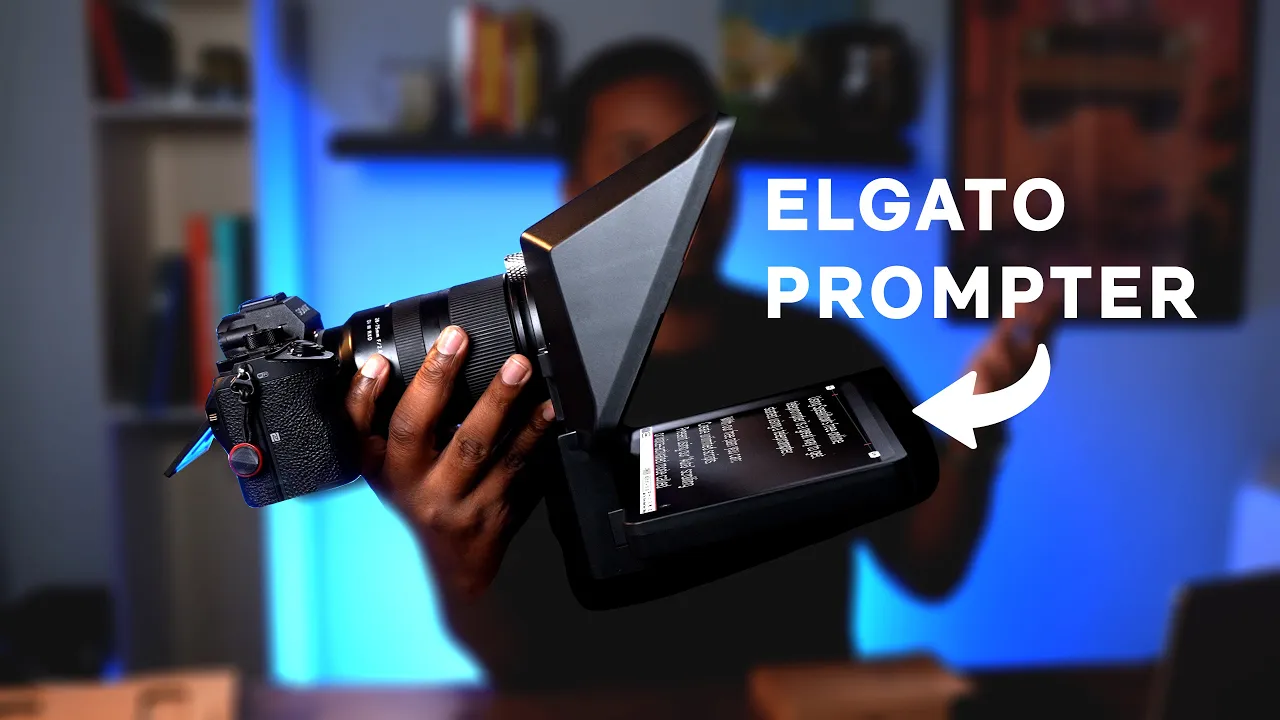
elgato-ytthumb-maxresdefault.webp50.48 KB
Dedicated hardware = an all-in-one unit with a built-in display. The Elgato Prompter is the most popular example. You plug it into your computer via USB-C and it shows up as an external monitor. No separate tablet needed.
The Cost Breakdown (Real Numbers)
This is where it gets interesting - and where most comparison articles get lazy. Let's do actual math.
See the twist? If you already have an iPad sitting around, the tablet rig is the clear budget winner. If you don't, dedicated hardware is actually cheaper than buying a rig plus a tablet.
Setup and Convenience
This is where dedicated hardware pulls ahead - hard.
iPad rig setup (every time you record)
Mount the rig on your tripod
Position the beam-splitter glass at the right angle
Mirror the text (most rigs flip the image, so you need your app to reverse it)
Mount your camera behind the glass
Adjust everything so the camera sees through the glass cleanly
Check for reflections and glare
Dedicated hardware setup
Mount it on your tripod or desk
Plug in the USB-C cable
Open your teleprompter app on your computer
Drag the window to the prompter display
Four steps vs eight. And the dedicated hardware is the same every time - no fiddling with glass angles or worrying about your iPad sliding out of its holder mid-take.
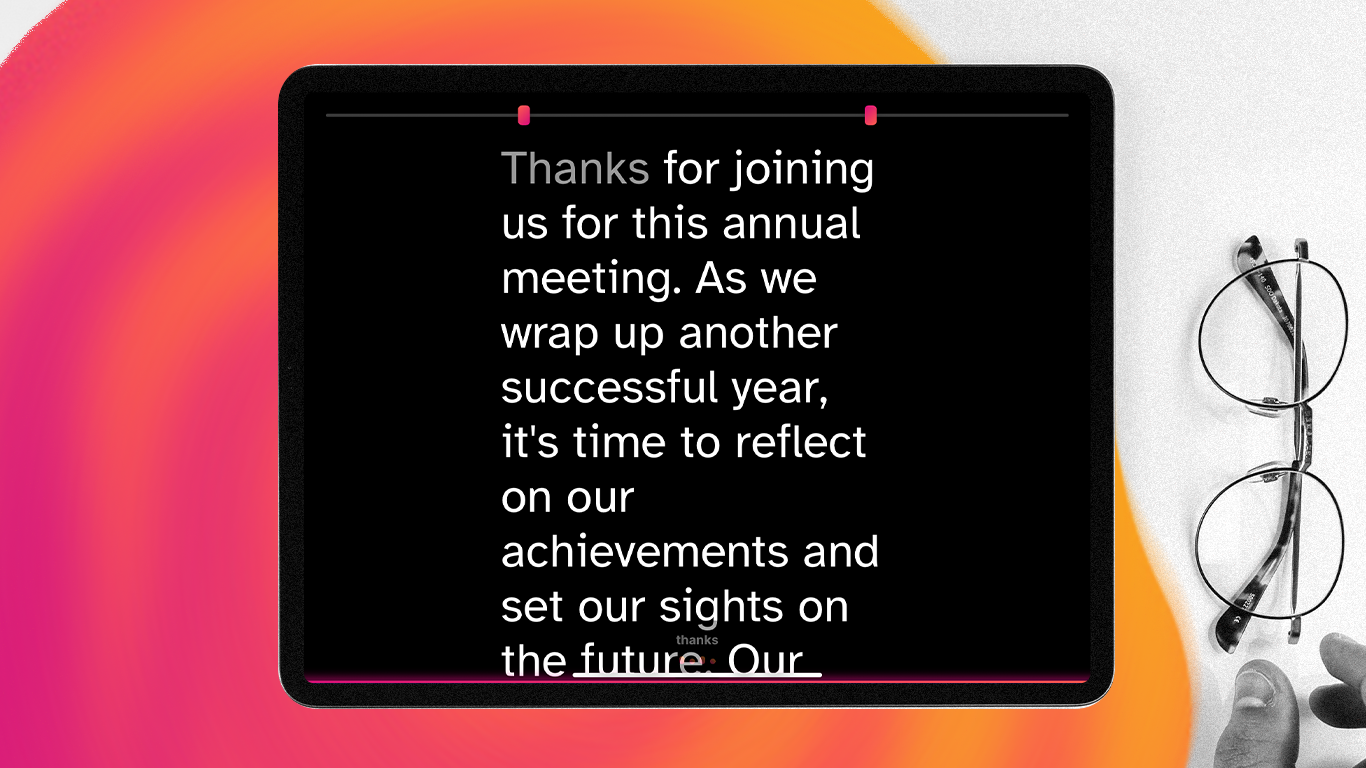
teleprompteriPad.png786.63 KB
Display Quality
Your iPad almost certainly has a better screen than any dedicated teleprompter. An iPad Air has a 10.9" Retina display at 2360x1640. The Elgato Prompter's built-in screen is 9" at 1024x600.
But here's the thing: it doesn't really matter. You're reading large text at arm's length through a piece of glass. You don't need Retina resolution for that. Both are perfectly readable. The iPad's extra sharpness is nice but not a deciding factor.
Where screen size does matter is reading distance. If you're standing 6-8 feet from the prompter (common for full-body shots), a larger display helps. The Elgato Prompter XL's 15.6" screen or a 12.9" iPad Pro would be better choices for that scenario.
Portability
iPad rigs win here, especially the budget ones. A Neewer or Desview rig folds flat and weighs almost nothing. Toss it in a bag with your iPad and you've got a portable teleprompter setup.
The Elgato Prompter is reasonably compact at 1.5 lbs, but it needs a USB-C connection to a computer. That means you're bringing a laptop too. For on-location shoots, that's more gear to manage.
If you travel for shoots regularly, the iPad rig is more practical.
Software Flexibility
With an iPad rig, you're running a teleprompter app directly on the tablet. That means you need an app that supports text mirroring (since the beam-splitter flips the image). Most dedicated teleprompter apps handle this, and browser-based options like Speakflow work too.
With dedicated hardware like the Elgato Prompter, you're running software on your computer and extending the display. This actually gives you more flexibility - any app or website works, including browser-based teleprompters. You can also use it as a regular secondary monitor when you're not prompting.
The Elgato also integrates with Stream Deck for hands-free control, which is a nice bonus if you're already in the Elgato ecosystem.
Reliability
Dedicated hardware is more reliable, full stop. Fewer things can go wrong when everything is purpose-built.
iPad rig issues I've seen people deal with:
iPad sliding or shifting in the mount during recording
Notifications popping up on screen mid-take
iPad going to sleep if you pause too long
Glare from the glass at certain angles
Text mirroring not working correctly in some apps
The rig's glass getting smudged or dusty
Dedicated hardware issues are mostly limited to cable management and making sure the display is configured correctly on your computer. Once it's set up, it just works.
When to Choose an iPad Teleprompter Rig
You already own an iPad. The total cost drops to $50-200 for just the rig.
You travel for shoots. An iPad rig is lighter and doesn't need a computer connection.
You're testing the waters. A $50 budget rig is low-risk. If teleprompter work isn't for you, you're not out much.
You want the best possible display. iPads have genuinely great screens.
You need a large reading distance. A 12.9" iPad Pro gives you a big, sharp display.
When to Choose Dedicated Hardware
You don't own a tablet. Buying an Elgato Prompter at $280 is cheaper than buying a rig + iPad.
You record frequently. The simpler setup saves time every single session.
You want a second monitor too. The Elgato doubles as an extra display when not prompting.
You use Stream Deck. The Elgato ecosystem integration is seamless.
You're in a permanent studio setup. Set it once, forget it.
Our Recommendation
If you already have an iPad and you're just getting started with teleprompter work, grab a mid-range beam-splitter rig like the Glide Gear TMP100 (~$200). It's a solid setup that'll serve you well while you figure out your workflow.
If you don't have a tablet, or if you record video regularly and want something that just works every time - go with the Elgato Prompter. The $280 price tag is reasonable for what you get, and the convenience factor is real. You'll spend less time setting up and more time actually creating.
Whether you’re using an iPad, your phone, or a dedicated teleprompter setup, the software is still a big part of how smoothly everything works. Speakflow runs in your browser on a computer, tablet, or phone, so you can pull up your script and start prompting without installing anything. And if you’re figuring out how much to write, the words-to-time calculator can help you estimate how long your script will take to deliver before you record.
Once you’ve got your setup the way you like it, open Speakflow in your browser to create your script and use the teleprompter while you record.
Recording or presenting from your computer? Speakflow’s Desktop App gives you another option, letting you keep your script over the apps you’re already using and adjust where it sits on screen.