If you've got an Elgato Prompter or Prompter XL, you've probably noticed the software situation isn't great. Limited formatting, no voice scrolling, and getting the Stream Deck to play nice with it is a whole thing. A lot of people have been asking about alternatives.
Speakflow works with the Stream Deck. Here's the deal.
It's just keystrokes
Stream Deck sends keystrokes. Speakflow has keyboard shortcuts. Map one to the other and you're done. No plugins, no integrations, no middleware. Takes about five minutes.
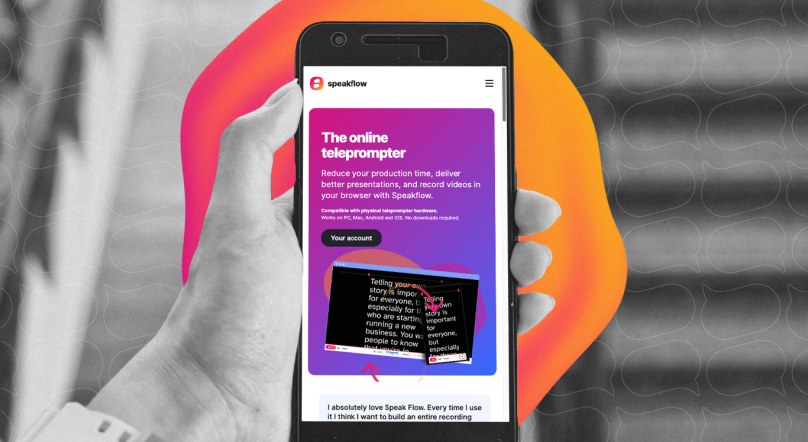
Since Speakflow runs in your browser, it doesn't care what hardware you're using. Prompter XL, a monitor on a tripod, an iPad taped to a camera rig - it's all just a screen. Open Chrome, go to Speakflow, present your script, mirror the tab. Done.
What to map
In the Elgato Stream Deck app, drag a System > Hotkey action onto a button and assign the key. Here's what most people want:
Start with these four:
- Start/Stop - Spacebar
- Restart - R
- Scroll Up - Up Arrow
- Scroll Down - Down Arrow
If you want more control:
- Flow Mode - F (voice-guided scrolling)
- Auto Mode - A
- Manual Mode - M
- Speed Up - =
- Speed Down - minus key
These are the defaults. You can remap any of them inside Speakflow's presentation screen under the settings menu > "Customize Shortcuts." Click the field, press whatever key combo you want, done.
Stream Deck+ dials
This is the fun part. If you have a Stream Deck+, set one of the dials to send
= on clockwise rotation and
- on counterclockwise. Now you've got a physical knob for scroll speed. It feels way better than tapping buttons to adjust pace mid-take.
You can do the same thing for text size or script width if you set custom shortcuts for those first.
One thing to watch for
Keyboard shortcuts only fire when the Speakflow browser tab has focus. If you click into another app, the Stream Deck will be sending keystrokes to that app instead. Just make sure Speakflow is your active window before you start presenting.
Quick tip: set up one Stream Deck button with the System > Open action pointed at Speakflow. One tap to jump back if you lose focus.
You might not even need the Stream Deck
Honestly, Flow mode kind of makes this whole setup optional. It uses your mic to follow your voice as you speak - the script scrolls automatically at your pace. No buttons, no speed adjustments, no foot pedals. You just.. talk.
But having a Stream Deck as a backup for pause and restart is still nice. Especially if you're doing long takes and want that physical "stop" button within reach.
Why not just use Elgato's built-in software?
Elgato makes great hardware. The Prompter XL is a solid piece of kit. But the software has some real gaps - limited formatting, no voice-guided scrolling, and the Stream Deck integration still isn't where most people need it.
With Speakflow you get:
- Voice-guided scrolling that actually works
- Customizable shortcuts for any controller
- Script formatting - bold, colors, bookmarks, section markers
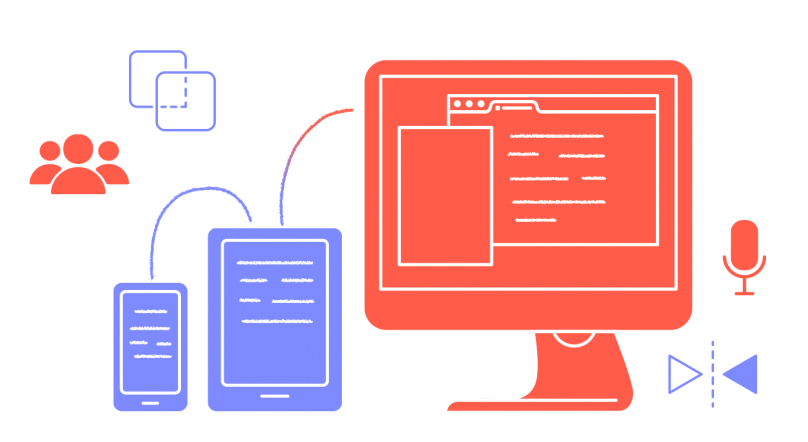
- Remote control (hand your phone to someone and let them drive)
- Works on anything with a browser
The Prompter XL is just a display. Use whatever software you want on it.
Get started
Sign up at speakflow.com, paste your script, hit Present, and set up your Stream Deck buttons. The free plan includes the teleprompter with all keyboard shortcuts.
Start your next script in Speakflow to use Flow mode, or download the Desktop App to keep it in view while you present.
Start your next script in Speakflow to use Flow mode, or download the Desktop App to keep it in view while you present.
Questions? Hit us up at support@speakflow.com.