Recording on desktop gets messy pretty quickly once the teleprompter disappears behind everything else.
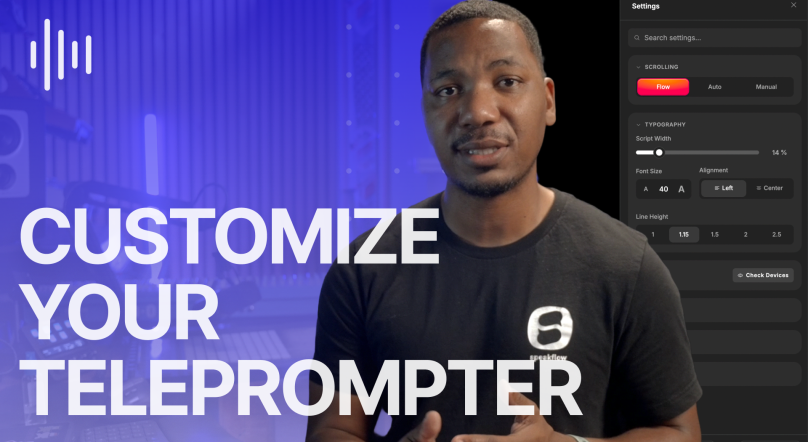
In the launch video, founder Corey mentions people have been asking for this for almost five years now, which honestly makes sense. Most people using Speakflow are already bouncing between presentations, meetings, webinars, client recordings, and way too many open windows.
So now the teleprompter stays where you need it.
You can pin Speakflow over your slides or Zoom window, move it around freely, lower the transparency, and stop losing the script every time another app steals focus.
Flow Mode feels especially good on desktop too. Instead of forcing you to match a scrolling speed, the script waits for you. You pause, it pauses. You lose your train of thought for a second, it doesn’t leave you behind.
The Desktop App also syncs with your existing Speakflow account, so your scripts, recordings, and workspaces are already there when you open it.
It’s available now for all Plus and Studio subscribers.