

Built For Mac
Used by nice folks at











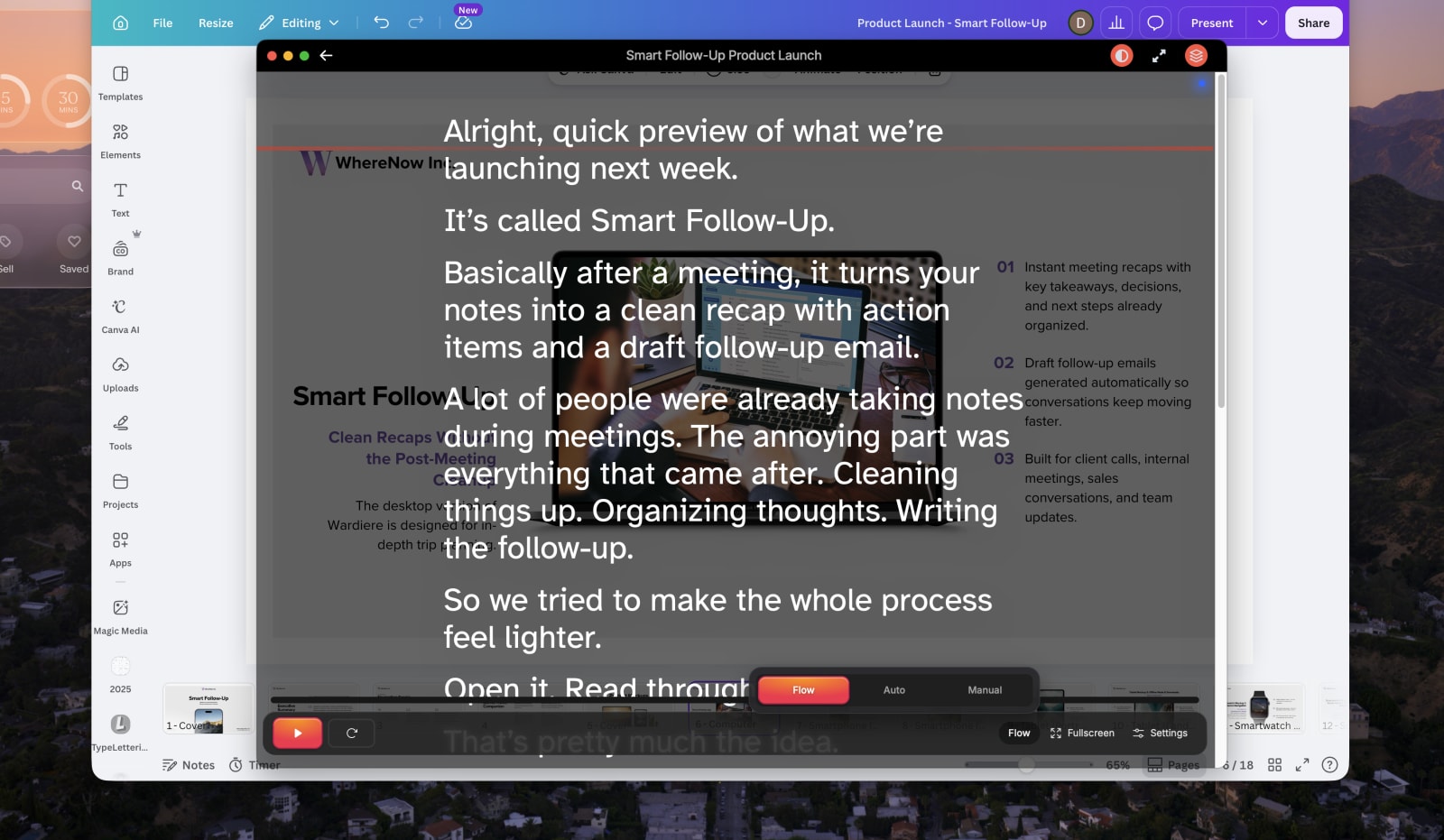
Speakflow stays on top while you present, without taking over your whole screen.
Welcome back. Today we're going to walk through how Speakflow keeps you looking natural on camera, even when you're reading from a script. Just speak at your own pace and the words follow along with you.
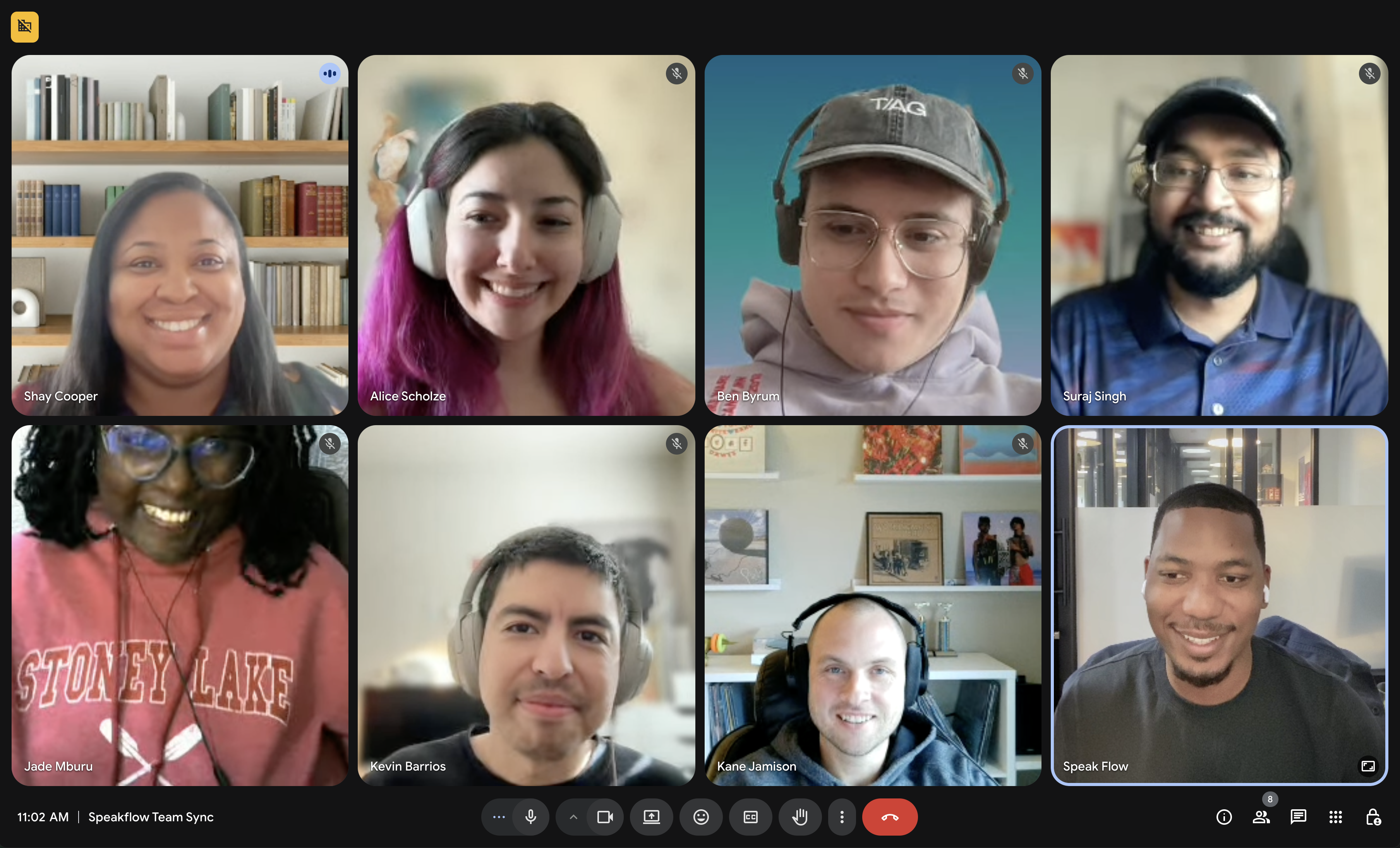

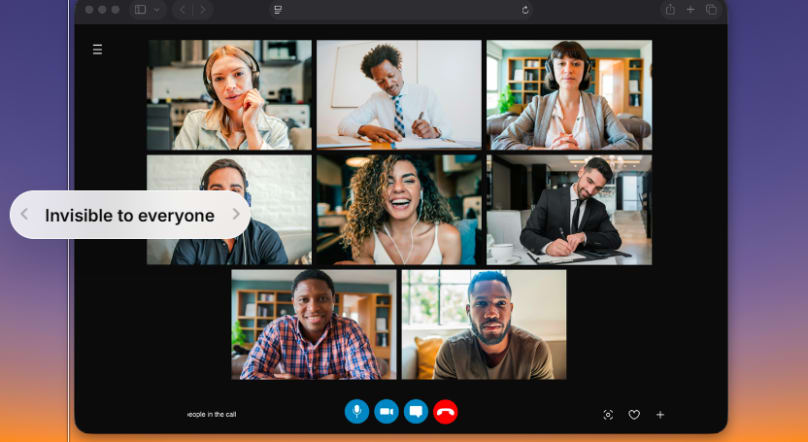

On a Mac, you can open Speakflow in your browser and use it as a teleprompter right away. When you want your script to stay above another app, open the same saved script in Speakflow for Desktop.
That really depends on how you like to work. Speakflow runs in your browser on Mac when that’s all you need. If you want your script to stay above the other apps you’re using, Speakflow for Desktop keeps it there without making you rearrange everything else on your screen.
No. You can use Speakflow entirely in your browser on Mac. Speakflow for Desktop is handy when you want your script to stay in view while you’re working in another app.
Yes. Flow Mode follows along as you speak, so you don’t have to keep matching your pace to the scroll. If you pause or go off script, it keeps your place.
Yes. If your physical teleprompter uses reflective glass, Speakflow can flip the text so it reads correctly in the reflection.
Do the writing and editing in Speakflow on the web. When you open Speakflow for Desktop, the scripts you’ve saved are already there, so there’s nothing to copy over first.
Absolutely. If you already know most of what you want to say, a few talking points may be all you need. You can still write out the parts where you want the wording exactly right.
Speakflow for Desktop comes with Plus and Studio.