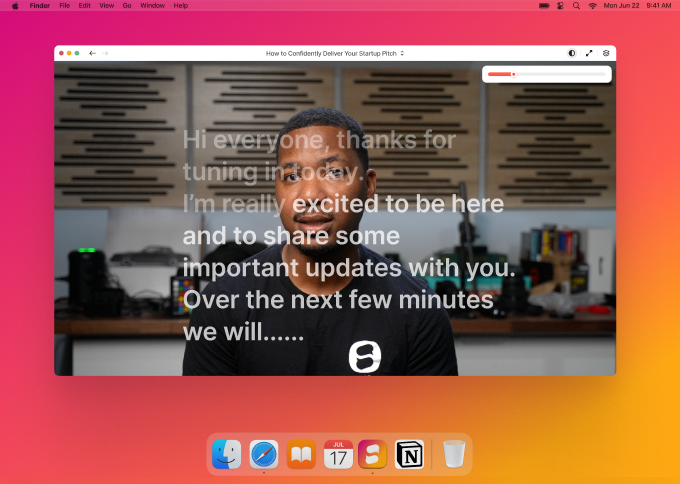
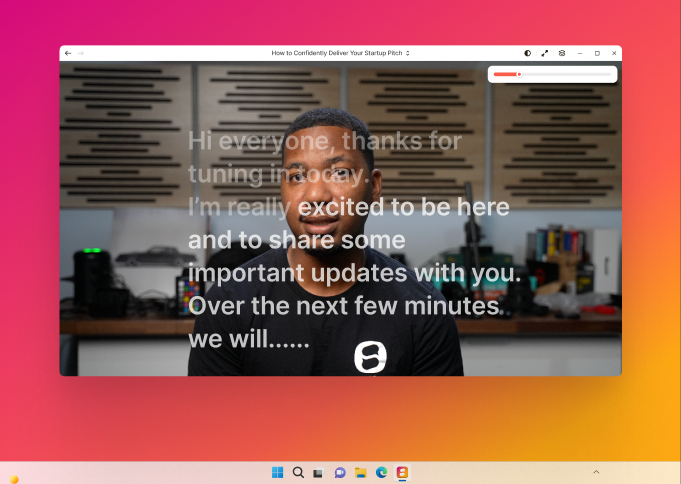
Keep your notes in view on calls, webinars, slide decks and screen shares.
A second prompter for the stand, the desk, or across the room. Same scripts, same account.
Included with every paid plan
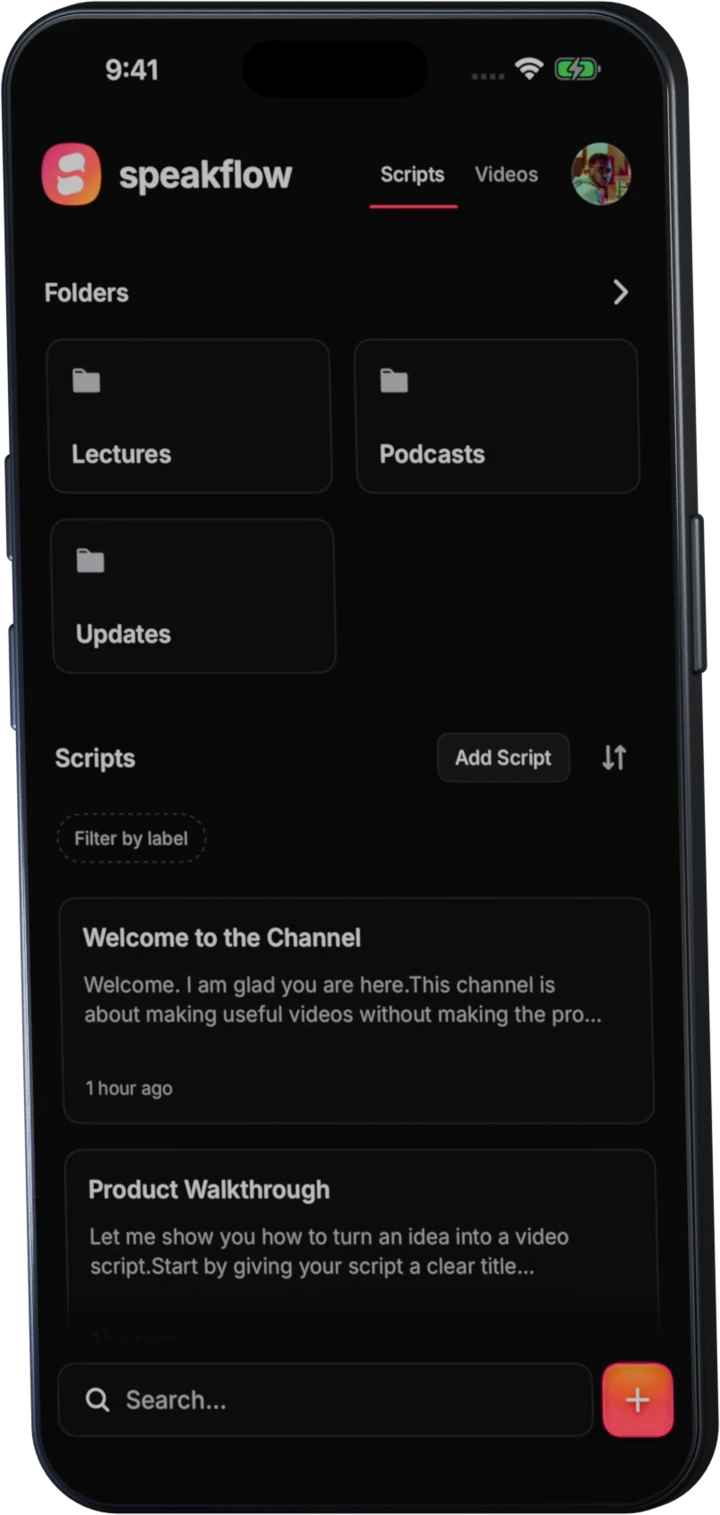
iPhone & Android
Access your scripts and videos everywhere you go. Read, record, or run the whole take one-handed.
Every platform
Nothing to download or install. Still works on all your devices.
Create AccountStart free in your browser.
Lead smooth, confident calls and presentations with a transparent, scrolling script overlay.
Available for Windows.
Use Speakflow over Zoom, slides, demos, or the app you’re sharing. Your script stays with you, even when the audience only sees the shared window.
Fade your prompt until it stops competing with the call or deck.
Shrink it to a corner or stretch it beside your slides.
Pin talking points above the windows you’re already using.
The audience sees the call or deck you share. You keep the notes out of the share.
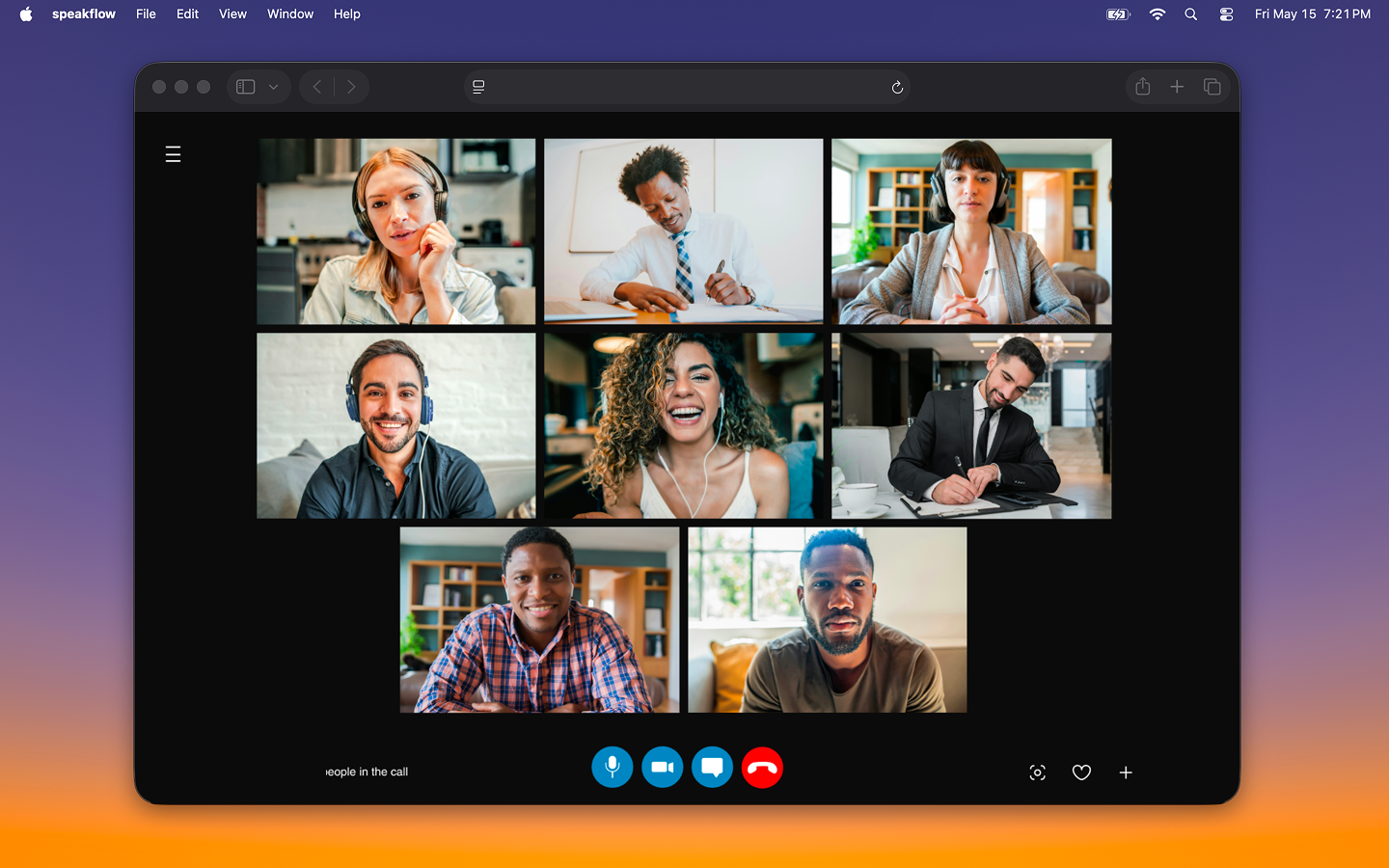
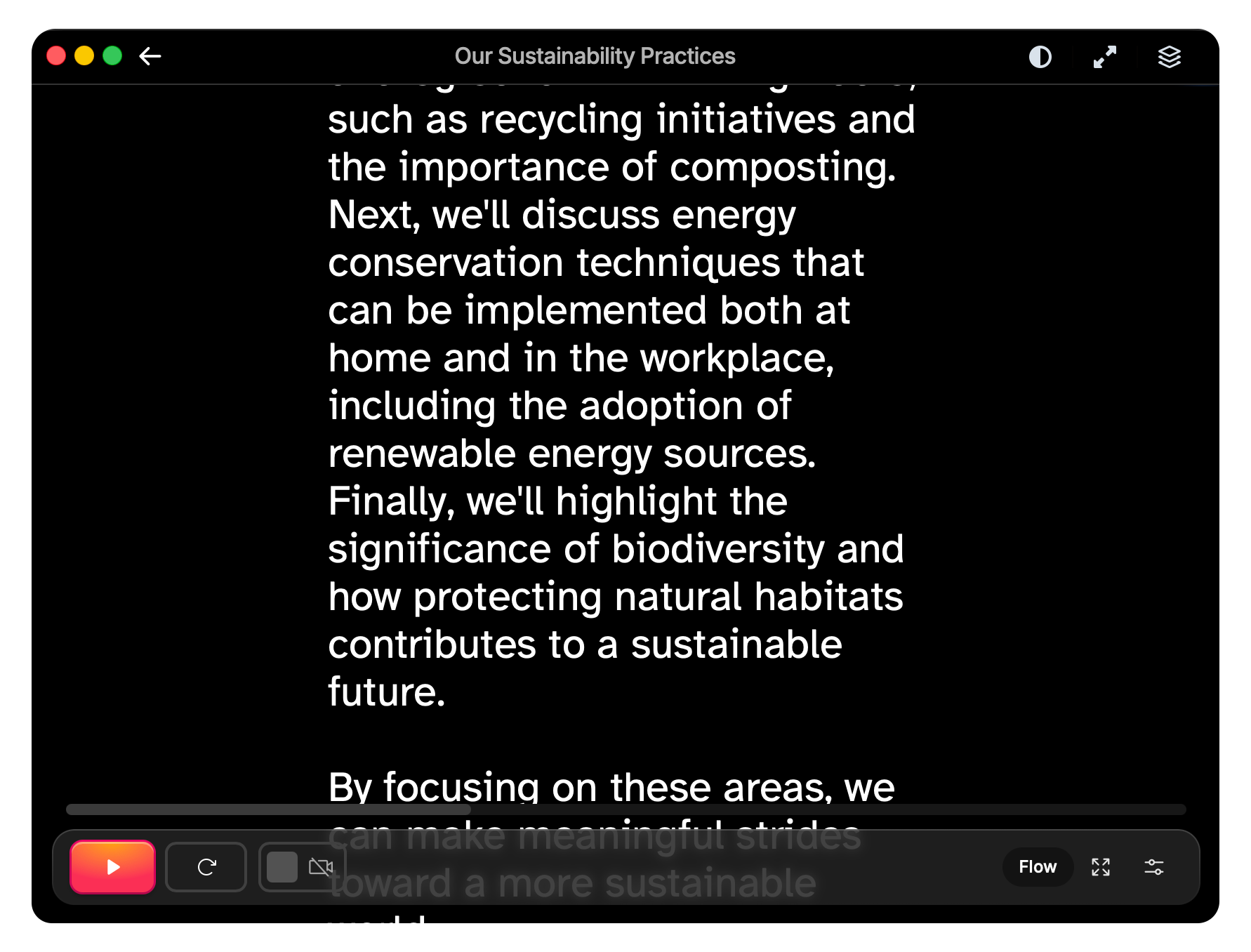
Keep Speakflow above the call or browser window you’re sharing. The prompt stays with you instead of buried in another tab.
Write on the web or desktop, then open on your phone. Any edits you make sync to all your devices.
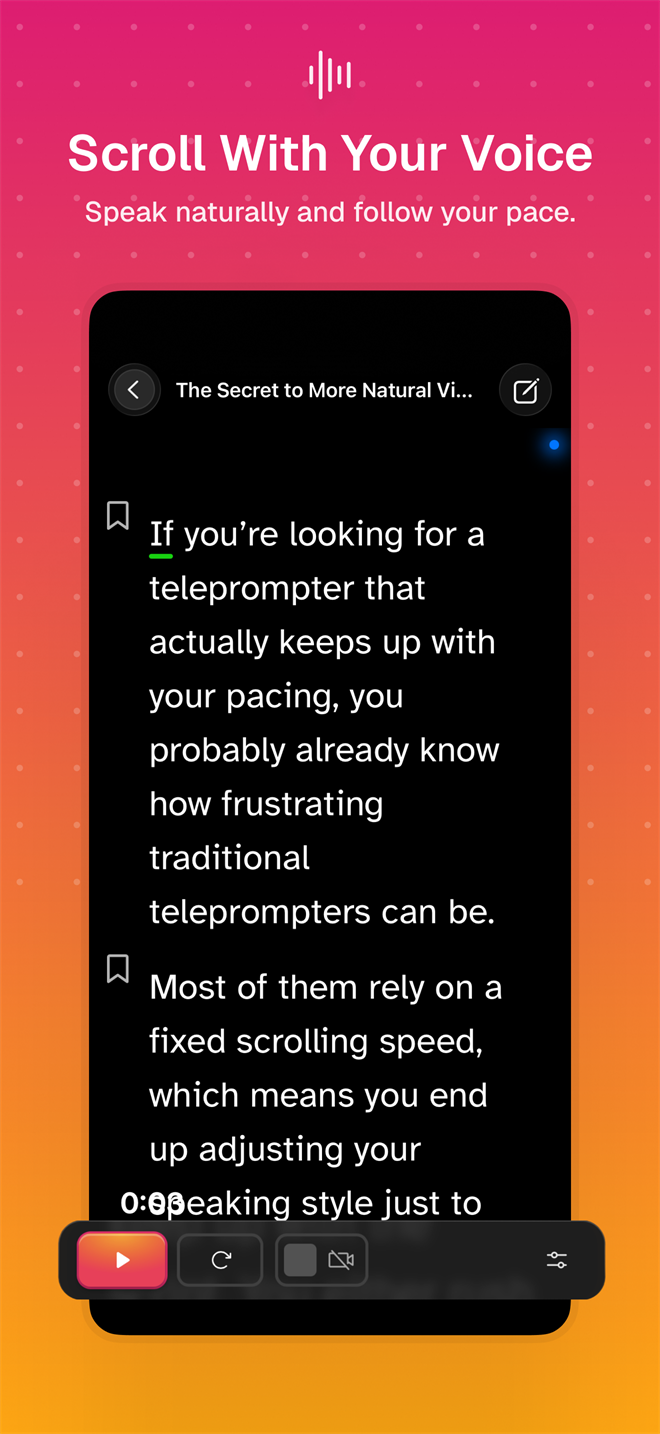
Your script scrolls as you speak, so the words keep up with you. Record takes with your phone camera.
Turn your phone into a remote for the prompter on your other device, or as a second prompter. (No auto-dimming - the screen stays on until you’re done.)
iPad & Android tablets
Use your teleprompter hardware, hand it to the presenter, or use it to remote control another device.
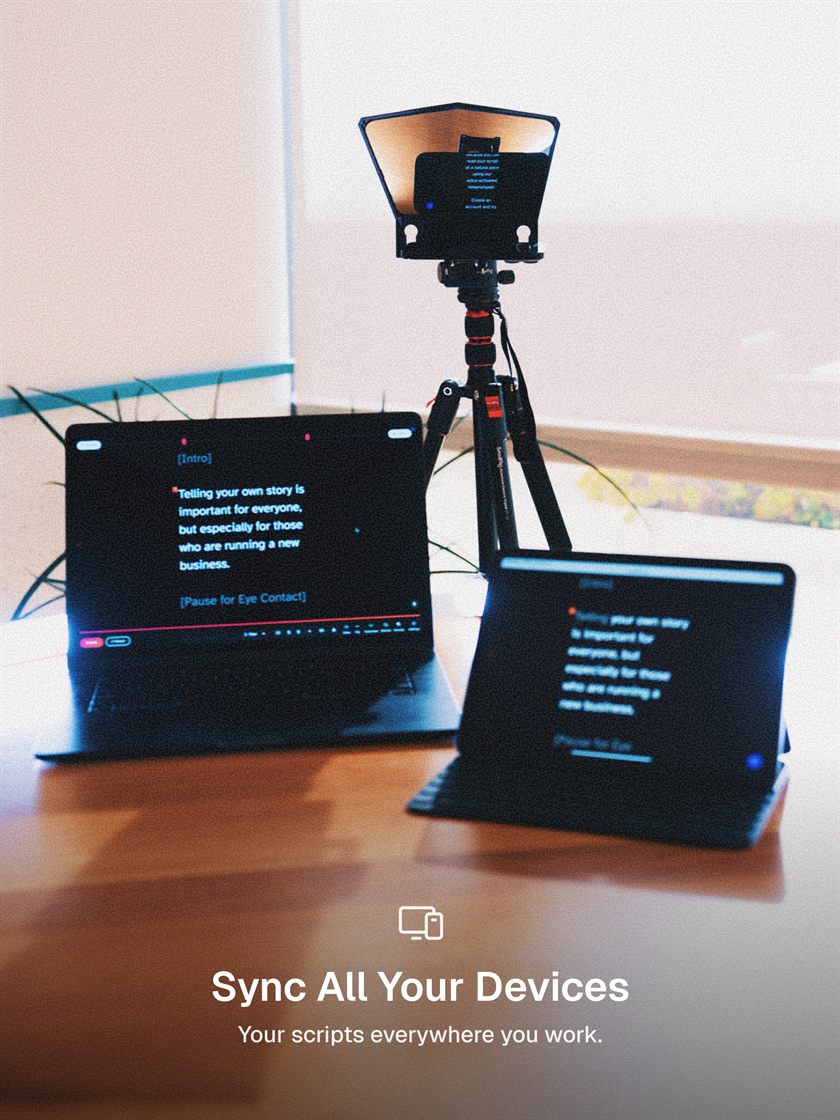

Readable from across the desk. Flow scrolls as you speak.
Start, pause and jump sections on your other device.
Shoot takes on the tablet camera. Review them with your team.


Not ready to download? Add your script, open it on any device, and record your next video. Free to start, no card required.