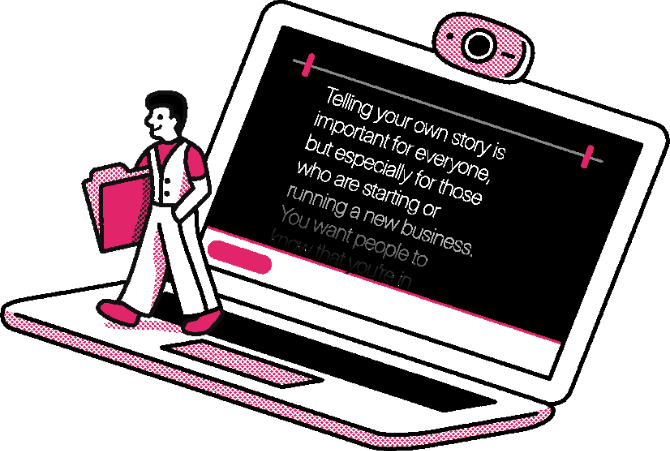
Add your script. Hit record. See why thousands of professionals choose Speakflow to deliver webinars, client videos, course content, and presentations.
Start my next video
Why Speakflow
Finish the recording. Skip the rehearsal. Add your script and start talking. Speakflow scrolls as you speak. A teleprompter for professionals who make content — not professional content creators.
  • Flow mode matches your cadence — speed up, slow down, or pause.
  • Draft and rehearse in the editor, then plug in your rig for the recording.
  • Works in any browser on laptop, tablet, or phone. No install.
Make my next video

Free to start. No credit card.

Listening...

Welcome back. Today we're going to walk through how Speakflow keeps you looking natural on camera, even when you're reading from a script. Just speak at your own pace and the words follow along with you.

Listening...
Flow
Scroll with your voice
Speed up, slow down, or pause — the script keeps up.

Welcome back. Today we're going to walk through how Speakflow keeps you looking natural on camera, even when you're reading from a script. Just speak at your own pace and the words follow along with you.
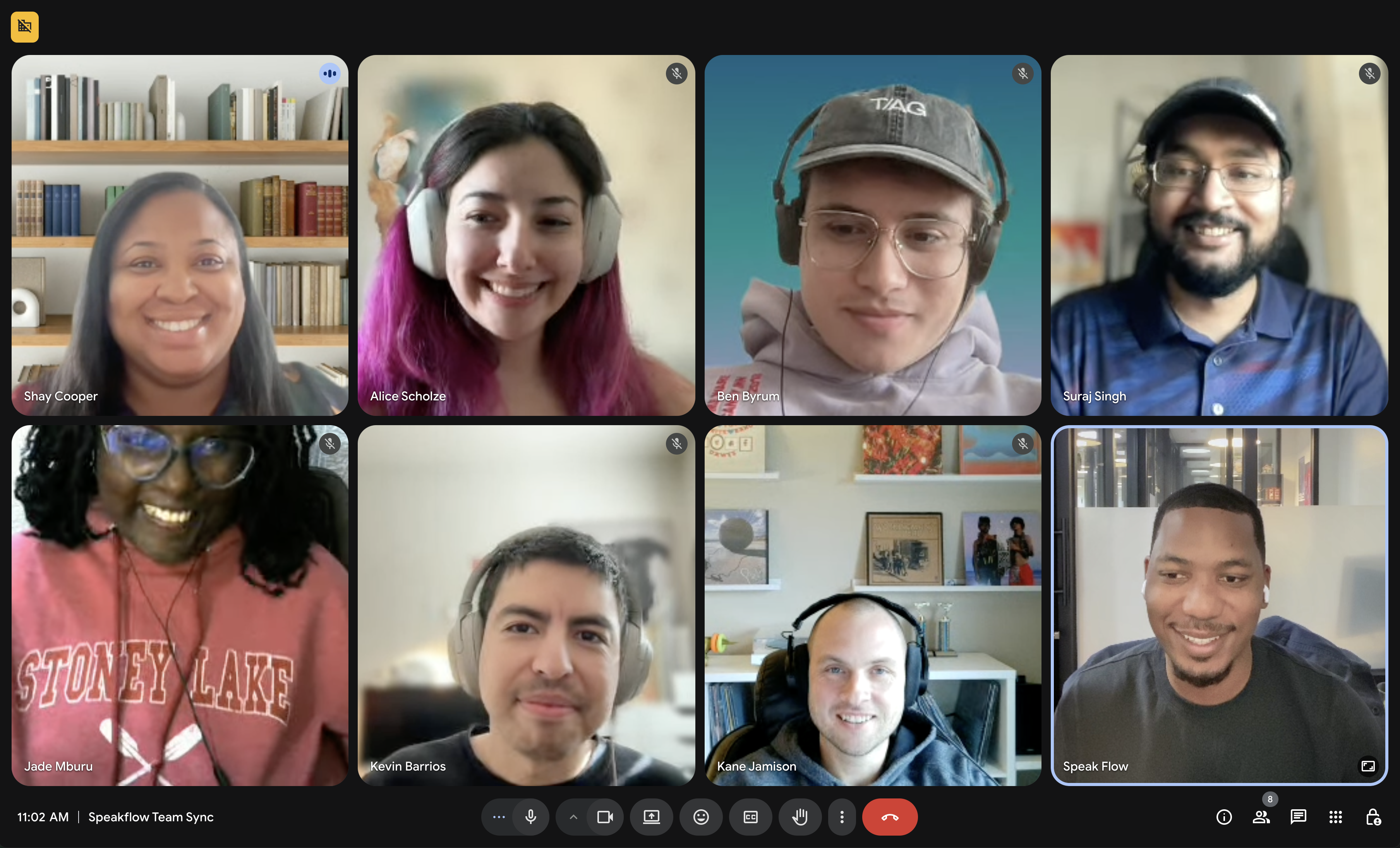
Overlay
Read while you look at the camera
Pin your script over your recording window so your eyes stay where they matter.

Speak at your own pace and the words follow along with you.

Your script follows along
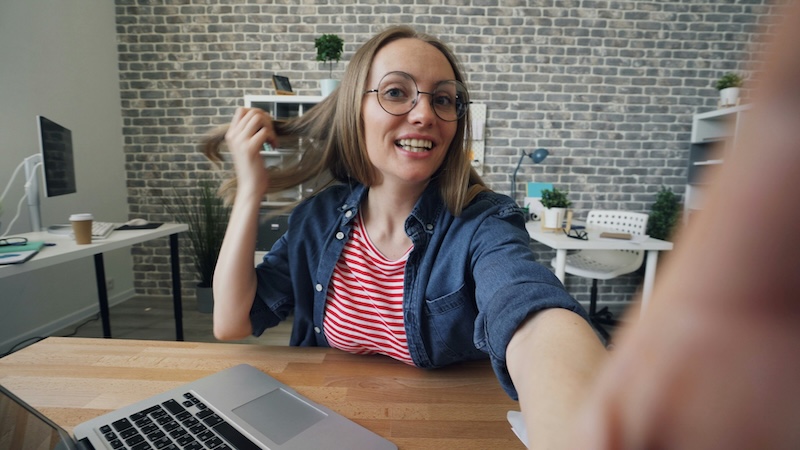
Remote
Remote control
Run on one screen, control from another
Scroll from across the desk or across the world.
Record
Record right in the browser
Read your script and capture the video in the same tab. Download the file when you are done.
Podcast
24 scripts
YouTube
112 scripts
Client work
18 scripts
Course
36 scripts
Organize
Manage your workflow
Sort scripts into folders and workspaces so nothing gets lost between recordings.
Teams
Share scripts with your crew
Co-hosts, editors, and clients all record from the same version.
Free to use
Zero learning curve. Try it out.

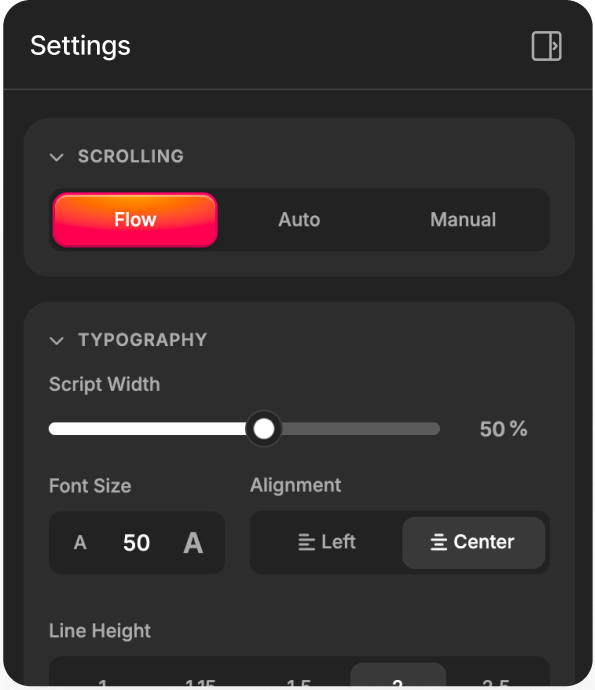
Welcome to the free Speakflow teleprompter! Click start and the words will scroll down to meet you at the pace you're speaking. Use the controls to dial in your speed, size, and layout.
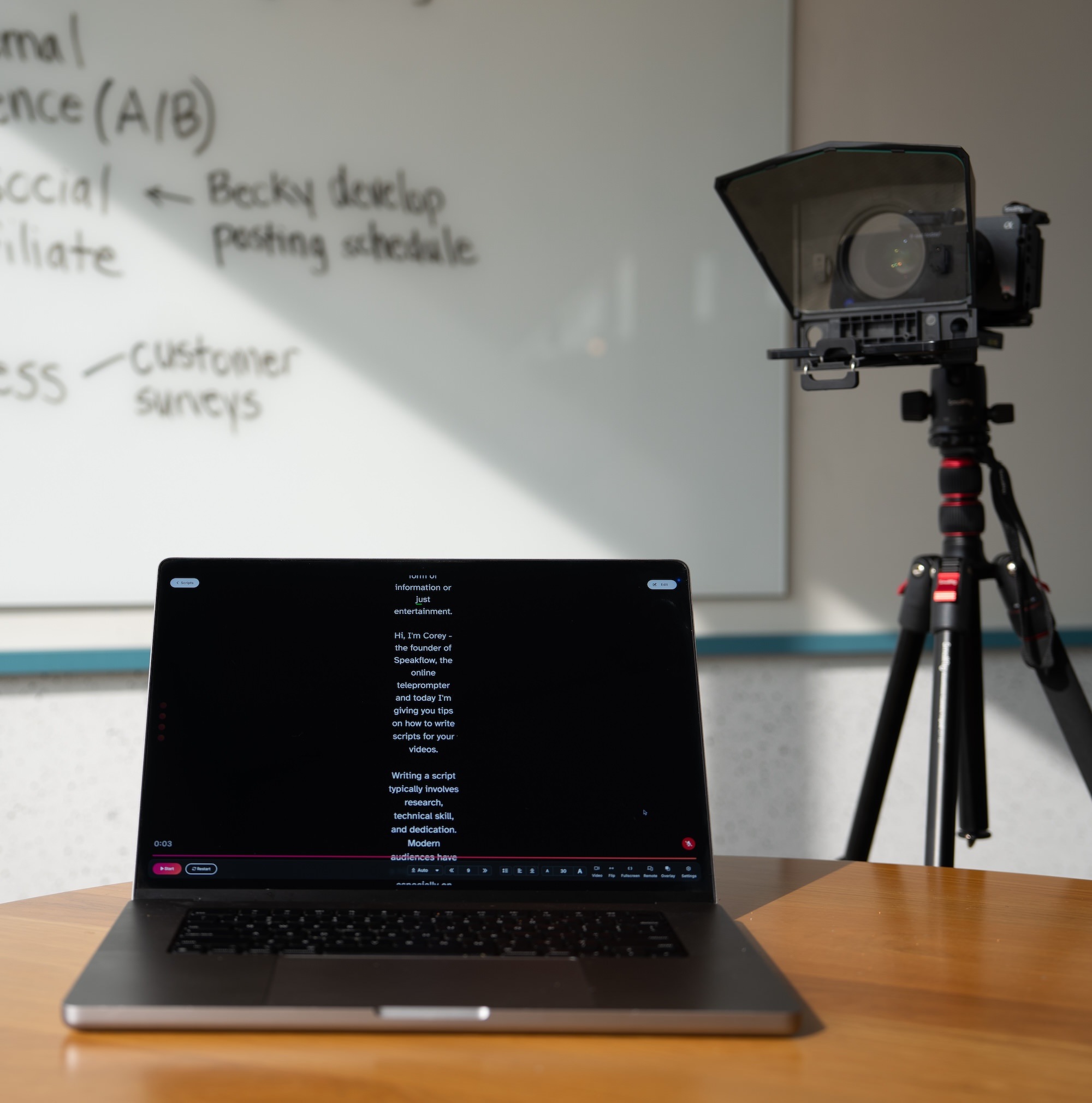
The whole setup
Finish your video on time Speakflow fits in your setup. From home office to full scale production.

Works with physical hardware

Speakflow works on its own — read off your laptop, tablet, or phone and you're good to go. But plug into a lens-mount prompter or beam-splitter rig and it really shines. No driver, no dongle, no hardware lock-in.

Drops into any hardware prompter

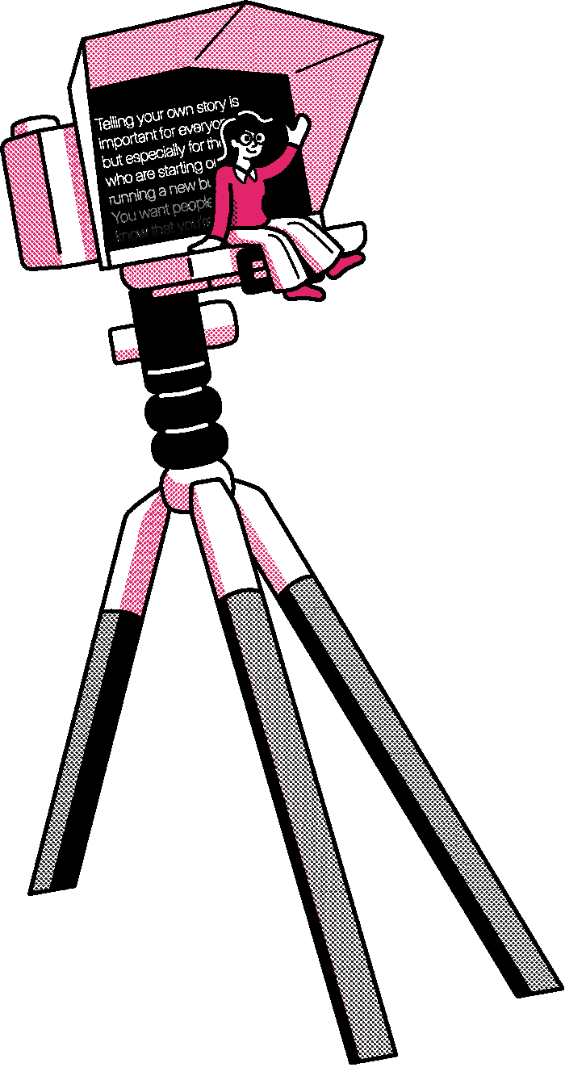
Mount a phone or tablet behind a lens prompter, slide a laptop into a beam-splitter rig, or read right off the screen on your desk. Flip the text for mirrored setups with one click.

Runs on anything with a browser

Phone, tablet, laptop, studio Mac — if it loads a webpage and has a mic, it runs Speakflow. Same script, same settings, same Flow mode cadence following your voice.
Edit script

Welcome back. Today we're going to walk through how Speakflow keeps you looking natural on camera, even when you're reading from a script. Just speak at your own pace and the words follow along with you.
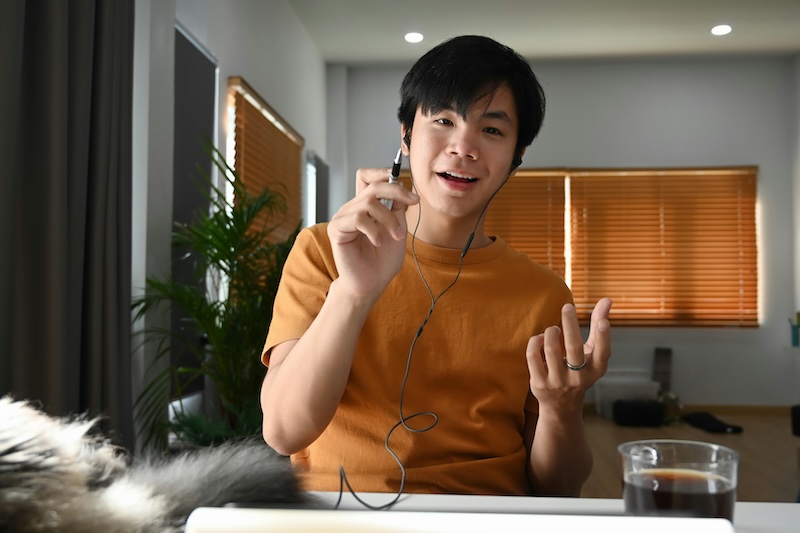
Lights. Camera. Flow.

  • Add unlimited scripts, for free.
  • Dial in text size, speed, and layout.
  • Knock out your takes quicker than ever.
Listening...

Record from any browser

  • Open a tab on your laptop, tablet, or phone.
  • Run the script on one screen and control it from another.
  • Pick up right where you left off on any device.
Finish your next video without memorizing a word. Create a free account and start using Speakflow in your browser.
203b2a104f5b8c8af0334802cf7003300c312dec